
RickySugg
Members
-
Joined
-
Last visited
Everything posted by RickySugg
-
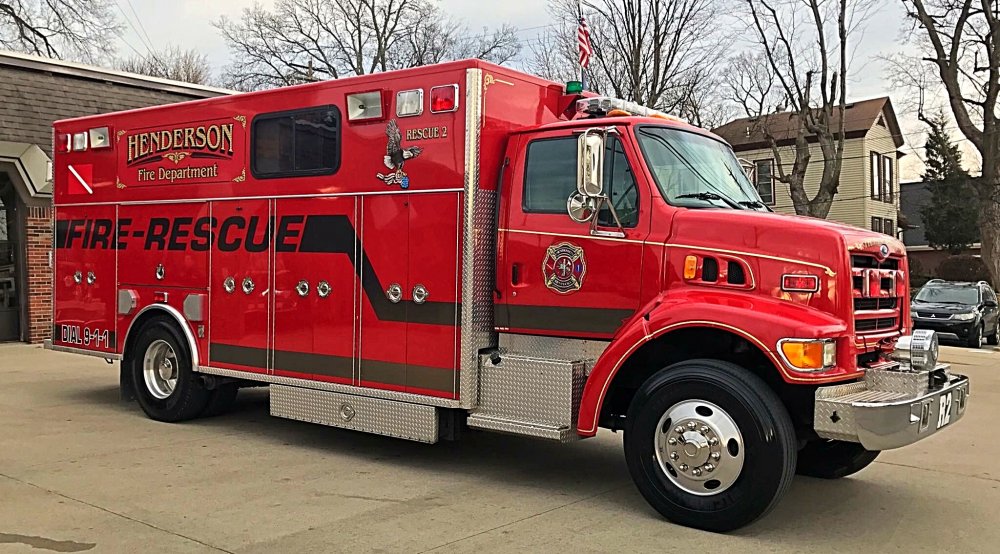
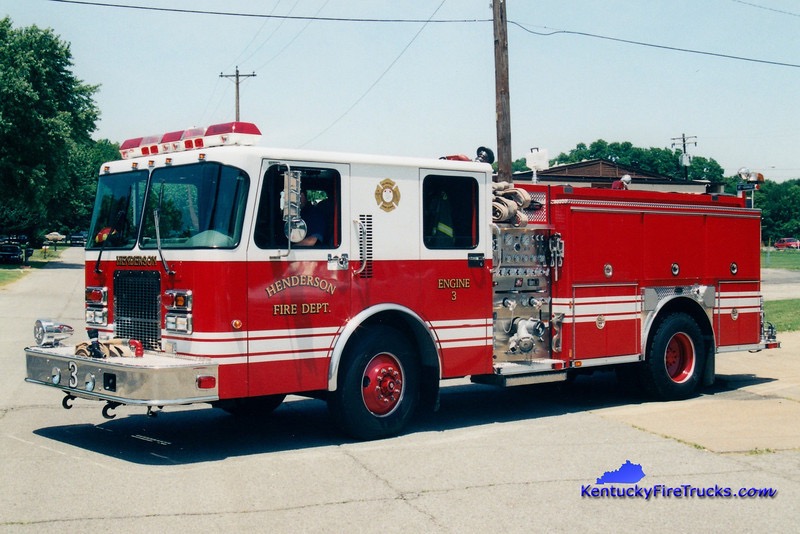
2003 Spartan Metro-Star/Hackney (Rescue 1) 1999 Spartan Advantage/E-One 1250/500 (Engine 4) 1997 Ford PL Custom Walk-In Rescue (Being Used As A Dive Team Truck) (Rescue 2) 2015 Ferrara Cinder Custom Rescue-Pumper 1250/1000/20 (20 Gallons Foam) (Engine 3) 1996 HME/Smeal 1500/300/105'



-
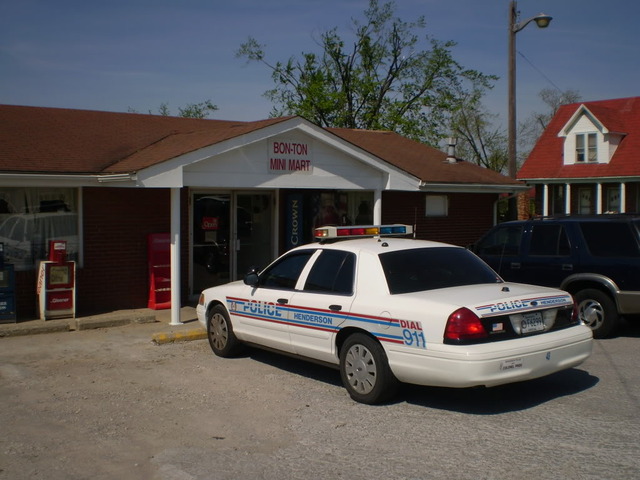
Thanks @NicholasCageOk there's one other design layout for skin in case you want it and it's belowCan anyone make a Fire Truck, Aerial Ladder Truck, And Walk-In Rescue Truck For My City below is a photo of it to start with or to show how to make it. 2015 Ferrara Cinder Custom Rescue-Pumper 1250/1000 1996 HME/Smeal 1500/300/105' 1997 Ford PL Custom Walk-In Rescue TruckCan anyone make a Police Car For My City below is a photo of it to start with or to show how to make it. 2015 Dodge ChargerCan anyone make a Police Car For My City below is a photo of it to start with or to show how to make it. Take Note: Their Lightbars is red and blue 2015 Dodge Charger 2015 Dodge Charger with Light Bars is Clear LED Red&Blue