lssocrew
Members
-
Joined
-
Last visited
Everything posted by lssocrew
-
Add a mic to your pc that’s all it needs a mic to listen if no device is selected it will give you this error always have a mic connected to your pc while using vocal dispatch
-
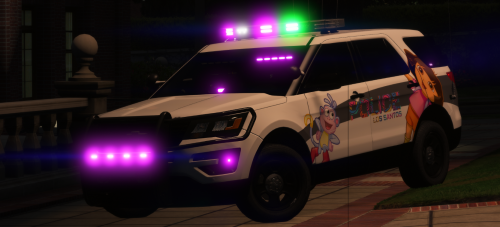 this is super sick!!!!!! but i posted it on my instagram and folks where mad that its a ford with a chevy logo yikesssss not good
- 55 comments
- 5 reviews
-
 yo cartres we got a new boston ems explorers out today patroling
 -
-
 wow i see this car ever day in real life
 -
 amazing
 -
this is amazing im waiting for this to drop im so excited
-
-