


Creators: Due to background reprocessing of files, approvals and file security checks may be delayed. Thanks for your patience.


Reddington
Members
-
Joined
Everything posted by Reddington
-
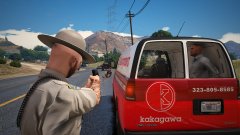
From the album: Red's LSPDFR chaos
-
I think that could work with how things are currently. If folks want to do the plugins/LSPDFR, they still have to make it themselves. That way there's no conflicts from which LSPDFR folder is being read/ When you say have a plugins folder inside lspdfr, would it be plugins-->LSPDFR, or just lspdfr-->plugins? If the latter, that could work.
-
That makes it easier for us. If people don't read it, we can tell them that we don't give help to people who don't read readmes. 😂
-
Something I (and UnknownBastion) see a lot on ULSS is people who place their LSPDFR plugins inside of the lspdfr folder in the main directory. For reasons still unknown to me, you guys included a lowercase lspdfr folder, then named the plugins lspdfr folder LSPDFR, which isn't even there by default. Going forward, I think either: 1) The lowercase lspdfr folder needs to be renamed to lspdfr configs, or something that tells people this folder is for audio and data, not plugins, 2) Rename the LSPDFR folder to LSPDFR plugins 3) Include the LSPDFR folder with the download, and include a text document that explains what that folder is for. Either way, something needs done to alleviate the constant confusion for new people. Logically, it makes no sense having two of the same named folders for modding anyway.
-
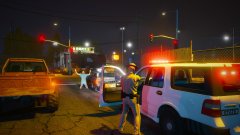
From the album: Red's LSPDFR chaos
-
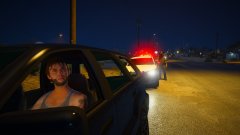
From the album: Red's LSPDFR chaos
-
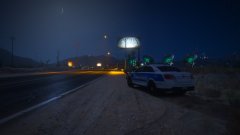
From the album: Red's LSPDFR chaos
-
 Don't sell yourself short. As time passes, devs are always going to improve upon their quality. However, that doesn't mean their previous work was bad in any way. I still use this pack and love it.
 -
-
 LOVE this pack! I've been to Illinois a few times, always loved their fleet. The Expedition and Impala are ❤️ Any chance of an unmarked version of the Impala, or do they not run one?
- 164 comments
- 17 reviews
-
-

- 1
-
From the album: Red's LSPDFR chaos
From the album: Red's LSPDFR chaos
From the album: Red's LSPDFR chaos
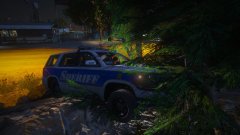
From the album: Red's LSPDFR chaos
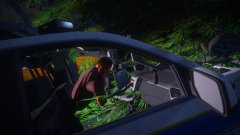
From the album: Red's LSPDFR chaos
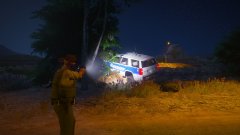
From the album: Red's LSPDFR chaos
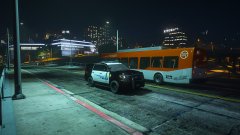
From the album: Red's LSPDFR chaos
If it's an individual car, I have a pinned topic that features a tutorial on installing addon cars, give that a read over and verify you're doing it correctly. If it's a dlcpack, make sure you correctly added the dlcpack name in dlclist.xml.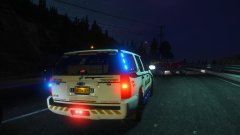
From the album: Red's LSPDFR chaos
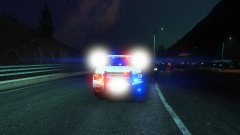
From the album: Red's LSPDFR chaos
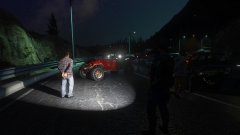
From the album: Red's LSPDFR chaos




