



Marney48
Members
-
Joined
-
Last visited
Everything posted by Marney48
-
I will let you know if I have anymore! Thanks
-
I found the problem, it was the Chicago PD DLC pack! That is the last thing I would have thought of.
-
-
It is a problem in the mods folder, the plugins loaded fine. My plugins loaded fine on startup, so it's my mods folder.
-
I will try RagePluginHook.log It crashed again
-
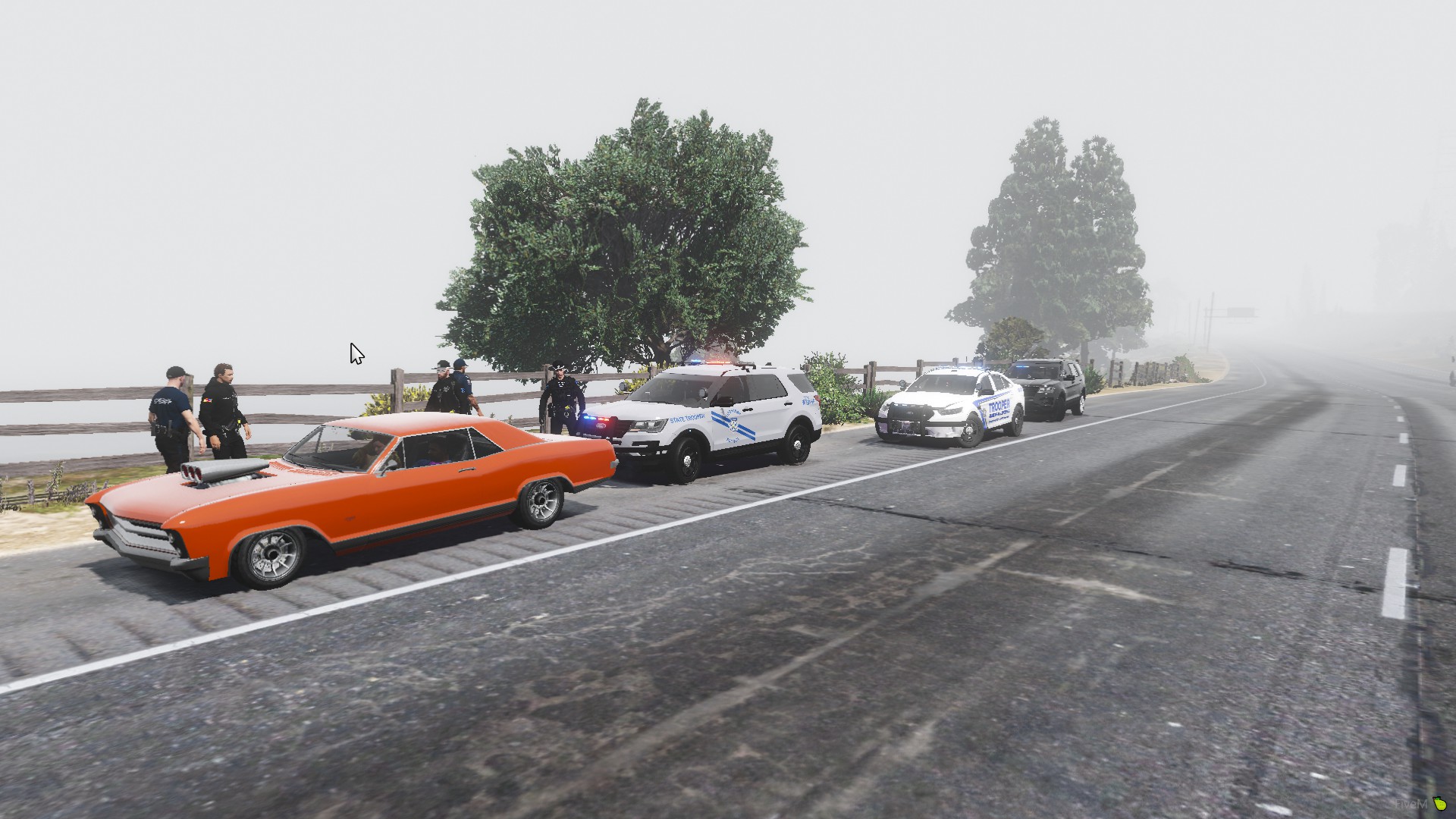
No, the plugins don't get to load. The game loaded without rage when I verified my game files. Could it be car files? I have two Florida Highway Patrol Packs, two DLC packs, BCSO Legacy Pack, Jeep Wrangler, and LSPD Legacy Pack. I am using Broward County Sheriffs office skins on the BCSO cars and the Jeep.
-
RagePluginHook.logIt launched fine after verifying, but when launched with RPH, it crashed at the exact same place.No it doesn't, my game won't load at all now.RagePluginHook.logWhen the game is loading, it starts to load the plugins then crashes. The only plugins I have are County, Typical, United, and Regular Callouts. Is it one of the callouts?This worked, thank you so much!It stayed in my mods folder this time. I gonna finish adding update and x64 folder to the mods folder then launch and see what happens.I am, I just tried again and when I close out of OpenIV, nothing saves to my mods folder.Sure do!I had to take two.
.thumb.png.7aa549f4dafd3954a3c28b46bbd0841d.png)
.thumb.png.2bf6af95d58dfdf450057584a37b4e5f.png) I am using patchday 22 and putting in the dlc list in the correct place.When I load into game, my DLC and replace cars won't go in. The cars spawn as the regular ingame cars.I was told by a friend my .yft files are broken in OpenIV, but neither of us know how to fix it.On OpenIV the cars showing up normal but in game the lighting is grey and the skins wont show up and they get weird texture to them.
I am using patchday 22 and putting in the dlc list in the correct place.When I load into game, my DLC and replace cars won't go in. The cars spawn as the regular ingame cars.I was told by a friend my .yft files are broken in OpenIV, but neither of us know how to fix it.On OpenIV the cars showing up normal but in game the lighting is grey and the skins wont show up and they get weird texture to them.


.png.f3898d2e19913afacb549b8a29fa6093.png)
.png.36538574c3a3628fadeac7250e8db3ef.png)
.png.a9fcf9e21887a91f5f16f803e0c02f14.png)
.png.19ced2805685c35c8438dcae44d9d0f0.png)
.png.fe18ab5a46d74cd9c0be08e4187187b7.png)
.png.5cbaf053cfd7544e9744a9a419a64a3b.png)
.png.b8f6dbe9535b80e8f5a6c9fbaacd5427.png)
.png.531b4bd7a49e176f4775ec96c249dbcf.png)
Account
Navigation
Search
Configure browser push notifications
Chrome (Android)
- Tap the lock icon next to the address bar.
- Tap Permissions → Notifications.
- Adjust your preference.
Chrome (Desktop)
- Click the padlock icon in the address bar.
- Select Site settings.
- Find Notifications and adjust your preference.
Safari (iOS 16.4+)
- Ensure the site is installed via Add to Home Screen.
- Open Settings App → Notifications.
- Find your app name and adjust your preference.
Safari (macOS)
- Go to Safari → Preferences.
- Click the Websites tab.
- Select Notifications in the sidebar.
- Find this website and adjust your preference.
Edge (Android)
- Tap the lock icon next to the address bar.
- Tap Permissions.
- Find Notifications and adjust your preference.
Edge (Desktop)
- Click the padlock icon in the address bar.
- Click Permissions for this site.
- Find Notifications and adjust your preference.
Firefox (Android)
- Go to Settings → Site permissions.
- Tap Notifications.
- Find this site in the list and adjust your preference.
Firefox (Desktop)
- Open Firefox Settings.
- Search for Notifications.
- Find this site in the list and adjust your preference.