
Chrisjuaan
Members
-
Joined
-
Last visited
Everything posted by Chrisjuaan
-
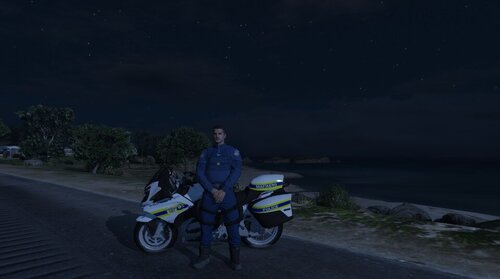 This is the files of the motorcycle including the South African ''Mafikeng'' texture File Installation: OpenIV\Grand Theft Auto V\mods\update\x64\dlcpacks\patchday20ng\dlc.rpf\x64\levels\gta5\vehicles.rpf\ Simply drag all files in the above mentioned folder and drop this file also includes the ELS file Video here: htts://youtu.be/uvg4XcIhAbfM POLICEB.xml