



sharpshooter184
Members
-
Joined
-
Last visited
Everything posted by sharpshooter184
-
 how did you get your addon and can you make a video
 -
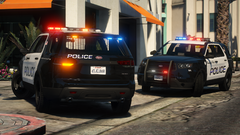
 When would you be ready? plus add 14 15 chargers. Explorer, suburban, and the Chevy caprice. All new emergency pack. No impala. Add different all units. Patrol, traffic, k9, CSI, supervisor, emergency services units or rapid response team, swat units etc.
- 112 comments
- 36 reviews

