


LCPD909
Members
-
Joined
-
Last visited
Everything posted by LCPD909
-
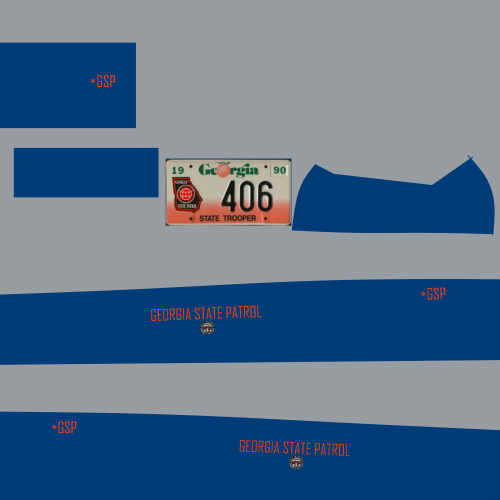 3.5 Stars; Skin is overall nice, good font and all, but the color should be a darker navy blue. Keep up the good work :)
 -
Appreciate the help with the commandline, but still same error :( Hopefully SOMEONE can help.
-
Hello all, I currently have a working copy of the game however I wanted to reinstall it, due to stability issues. Upon reinstalling, I updated the patch, and got it to run before the patch, and after the patch I put in Commandline with -norestrictions. Upon starting the game, I receive the error RMN10 Fatal Error. I tried removing the commandline, but the game won't run AT ALL without it. Any help you can provide is greatly appreciated :)
