




GamingHaggis
Members
-
Joined
-
Last visited
Everything posted by GamingHaggis
-
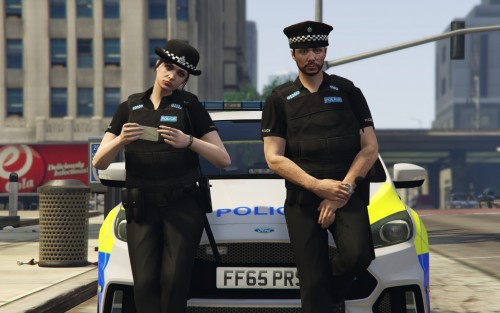 Have you heard of any problems regarding crashing when changing uniform? If I try to go into any of the uniforms, my LSPDFR dies on me.
- 27 comments
- 3 reviews
-
Just discovered it's also effecting the 'Sheriff2' non-modded.
-
Hey, got a slight issue with my car mods - Basically, the AI can't drive them, it's like they are being held in place. When I collide with, or attempt to tow a empty modded vehicle, it's the same story - The vehicle is cemented in its spot. This is with more than one vehicle, and is ruining any enjoyment, as I cannot call for back up. Unmodded cars can drive fine, and even one modded vehicle has no issues. The vehicles that are affected work perfectly when I'm driving them, but when I'm not in the car, all hell breaks loose. Any help is appreciated - Thanks.
