Gonzy
Members
-
Joined
-
Last visited
Everything posted by Gonzy
-
-
-
-
-
-
-
-
-
-
-
Hey, so I've downloaded the cryenb v3 and after I put all the files ingame it gives me this: GTA IV FATAL ERROR RMN60: DFA did not initialize properly. Please make sure you are using LaunchGTAIV.exe to launch the game. (yes I am using LaunchGTAIV.exe...) After I put back my backed up files it still does the same. I read the readme file what to do when its not working but most of it I dont understand what to do lol..I really don't want to re-install gta again ^^.. Thank you for any help.
-
That's really nice from you. Just to let you know, ur doing awesome job bud, love your scripts. :)
-
Yup, i got my back up Gta, but it didnt helped. I replaced whole game. Anyway thanks for looking it up for me.
-
Ok. Nice. Thanks :) Ill pm u. This is what it says: GTA IV FATAL ERROR: SI10: Code is expecting version %d but file %s has version %d! - Please reinstall GTA IV. dafuq?
-
Hmmm... Well the new version crashes my game for sure... Maybe if you got time, can u help me with it via teamviewer? after i reinstall my game and get all stuff together?...
-
I will install it again for sure, But I think i will use the old version... Is there any way to remove the red letters that tells u theres an update?
-
Well i did.. I installed new siren and 2 cars from Tim98. But i removed it, and it said the same thing with vanilla cars. Yep i got teamviewer but i already unninstaled my game. Now im just looking in my back up gta so its kinda weird..
-
Yeh, i removed the whole scripthook, didn't worked. Then i removed every script in my game.. still nothing. After that i replaced every single file in my game (because i got my whole gta backed up) still ERROR SI10. So i guess i need to reinstall it :/...
-
Yeah, I think i will just stay with the old version. But the red letters on top of the screen telling u that theres an update are kinda annoying xD.
-
Yep, That just happened to me. I am reinstalling it now. Will take hours to get stuff back together :/ lol...
-
While my game is loading it crashes and it says ERROR SI10 or something like that...
-
Same thing happened to me. I updated the ScriptHook and still didn't worked.. Now my whole GTA stopped workin' for some reason. Im not saying that it has to do something with it, but that's the only thing I changed in the game. Before that it was working perfectly... So i dunno whats the problem :/
-
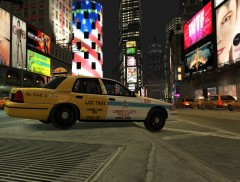 Awesome Matthew!! AWESOMEEE! xD
 -
Some screenshots by me of LCPD Officers doing their job.
-
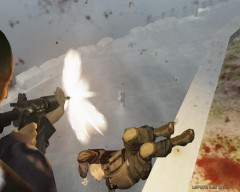 Noose 10-2 Shots fired
-
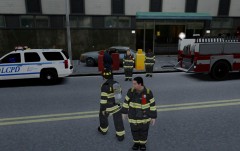 On scene 10-50
-
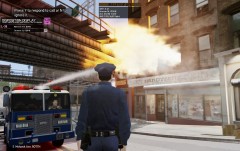 L-37 10-2 on scene (structure fire)
-
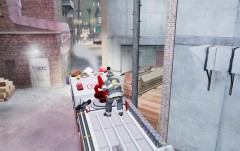 Having fun in MP
-
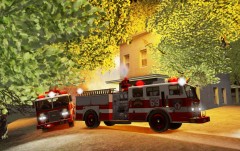 More units arriving on scene
-
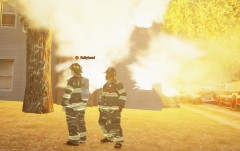 Another fire in L.C.
-
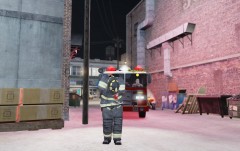 Man,that siren is soo loud!
-
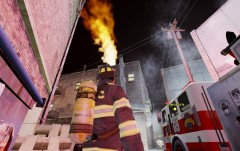 Engine 69 on scene, structure fire.
-
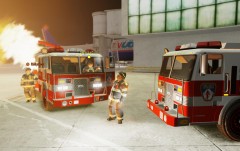 Messing around in MP...
-
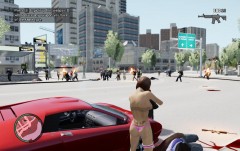 "Dispatch, i think we got a shots fired."
-
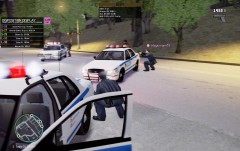 L-33, L-36 and L-37 10-2 at the scene of shoot-out at Francis Intl.
-
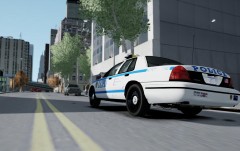 1192 Responding to backup call
-
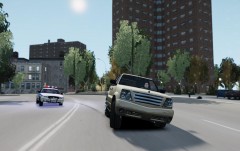 Armed suspect fleeing from drug deal in a stolen vehicle.
-
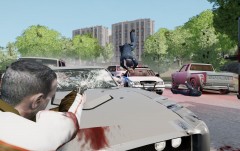 OFFICER DOWN!
-
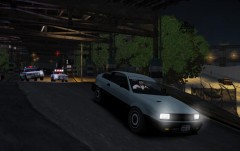 LCPD officers in 10-57 (vehicle pursuit).
-
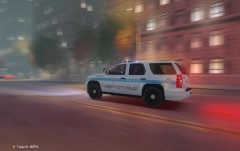 Liberty City Police responding code 3
-
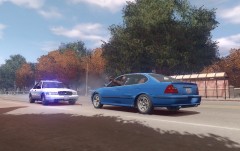 That awkward moment....
-
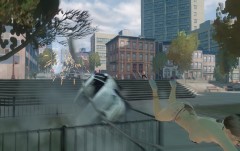 Flying b!tch
-
 Guess what happened....
-
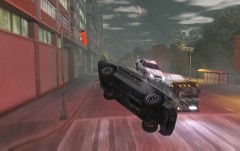 wooops
-
-
From the album: Pictures from shift.
One officer down.