



GeraldEarlGillum
Members
-
Joined
-
Last visited
Everything posted by GeraldEarlGillum
-
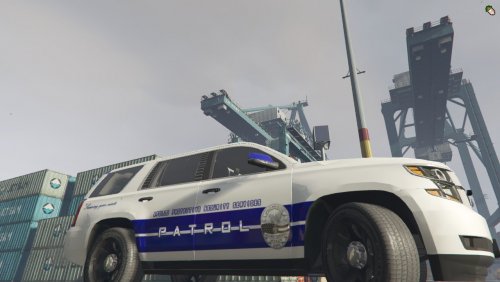 Download the Tahoe:
 -
 Garg made the LCIC logo?
 -
Ayyee but I can't view the video lol
-
-
 Litt
Litt -
-
-
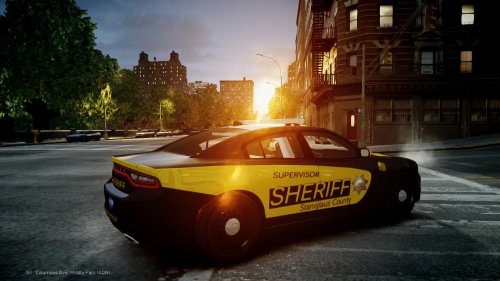
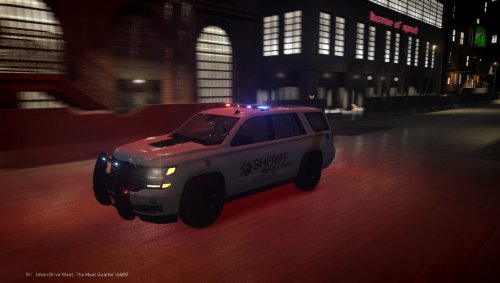 Garg's Pack: 2015 SFFD Tahoe, 2015 SCSD Tahoe, 2010 SCSD Impala, 2016 Marked/Unmarked SCSD Explorer, and 2016 SFFD Explorer Please Leave a Review!!! Preview: Coming Soon: Please Leave a Review!!! Models Included - San Fransico Fire Department: 2015 Fire Department Tahoe 2016 Fire Department Explorer Stanislaus County Sheriff's Department: 2010 Marked Impala 2015 Marked Tahoe 2016 Marked Explorer 2016 Unmarked Explorer --------------------------------------- NOTE THERE ARE TWO VARIATIONS OF THE TAHOE!
- 3 comments
- 2 reviews
-
-

- 3
-
-
-
 Tahoe Interior Equip
-
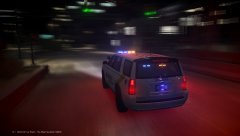 Tahoe Rear
-
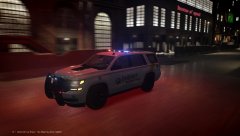 Tahoe Front
-
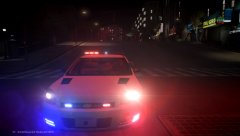 Impala Front
-
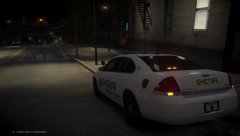 Impala Rear
-
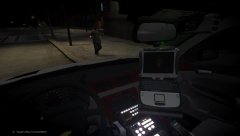 Impala Interior Equip
-
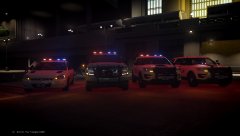 Sheriff's Office Pack - 2016 Ford Explorers, 2015 Tahoe, and 2012 Impala (3)
-
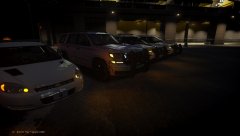 Sheriff's Office Pack - 2016 Ford Explorers, 2015 Tahoe, and 2012 Impala (2)
-
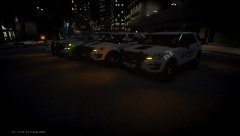 Sheriff's Office Pack - 2016 Ford Explorers, 2015 Tahoe, and 2012 Impala
-
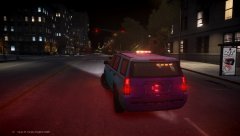 2015 Tahoe with Liberty II (REAR)
-
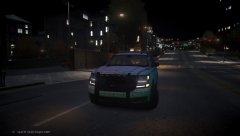 2015 Tahoe with Liberty II
-
-
From the album: Development - Garg
© Garg
-
From the album: Development - Garg
© Garg
-
From the album: Development - Garg
© Garg
-
From the album: Development - Garg
© Garg
-
From the album: Development - Garg
© Garg
-
From the album: Development - Garg
© Garg
-
From the album: Development - Garg
© Garg
-
From the album: Development - Garg
© Garg
-
From the album: Development - Garg
© Garg
-
From the album: Development - Garg
© Garg
-
From the album: Development - Garg
© Garg
-
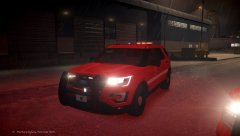
From the album: SFFD - CES CLAN
© Garg
-
Pictures by Garg for the CES CLAN.
-
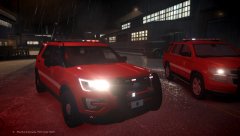
From the album: SFFD - CES CLAN
© Garg
-
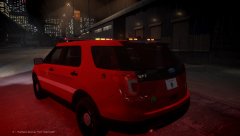
From the album: SFFD - CES CLAN
© Garg
-
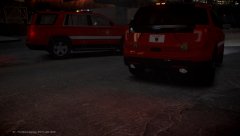
From the album: SFFD - CES CLAN
© Garg

