danny.
Members
-
Joined
-
Last visited
Everything posted by danny.
-
-
-
-
-
-
-
-
-
-
-
-
 I've used the automatic installation to my mods folder however when I go into the EUP folder in the dlcpacks folder there is nothing there.
- 2,349 comments
- 238 reviews
-
https://www.gta5-mods.com/paintjobs/hm-coastguard-ford-ranger-smifyyy_ https://www.gta5-mods.com/player/hm-coastguard-uniform https://www.gta5-mods.com/paintjobs/hm-coastguard-rnli https://www.gta5-mods.com/paintjobs/rnli-lifeguard-pack
-
I select a loadout which includes a handgun, a rifle and a shotgun, when I enter a vehicle all weapons remain in my weapon wheel, however, when I exit the vehicle I lose only the handgun. I have had this problem over 1 week and have tried to change sp characters and use different vehicles however I still have the same problem.
-
Go into the vehicles.meta file located at 'Update/Update.rpf/common/data/levels/gta5', find the model under modelname, for example '<modelName>police3</modelName>'. Then scroll further down in the handling line to handling ID, for example '<handlingId>police3</handlingId>', in the <handling> change the vehicle name to 'BALLER'. Should fix the issue.
-
Fixed, I replaced the handling ID in vehicles.meta.
-
After the most recent update all my vehicles flip due to updated handling lines, I expected this as in the patch notes it was said handling had been updated to fix issues on some vehicles. In the previous update I had made and used my own handling lines to prevent vehicles from flipping, I have tried to implement them into 'update.rpf/update.rpf/common/data', which is where they were located prior to the update, but my vehicles continue to flip. I was wondering if anybody has located the new file for the handling.meta and if you have found the location I would appreciate a reply. Thanks.
-
https://www.gta5-mods.com/vehicles/metropolitan-police-5-series-f11-els-pack
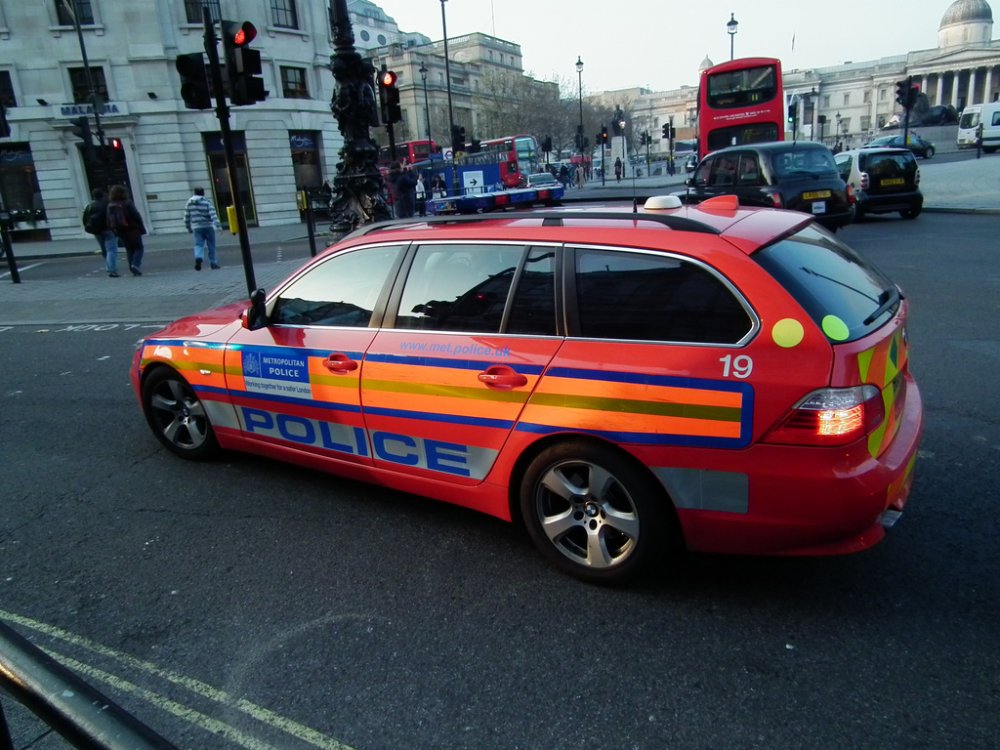
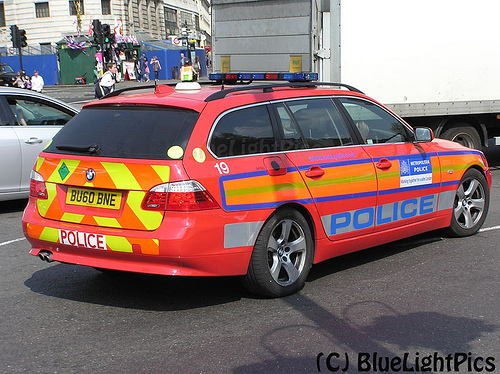
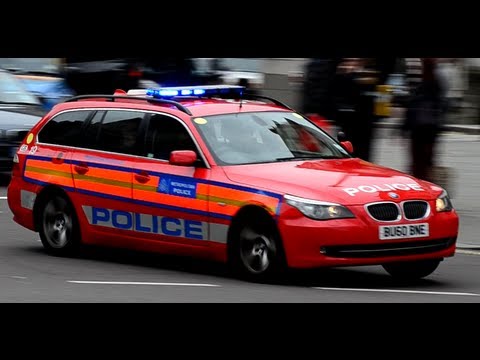
-
It didn't happen before the update and I haven't changed any xmls since before the update.
-
Right headlight and left tail light dont work on any vehicles after I have pressed J.
-
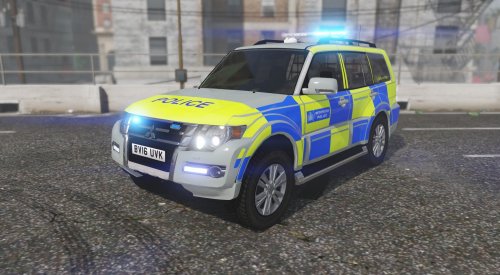 The message board displays both words at the same time rather than flashing between them both?
- 8 comments
- 4 reviews
-
-
I've tried loading through steam and ragehook neither will load plugins though, also tried dinput8 from there and openiv still not working there. Scripthook and gta are both updated to the most recent version.
-
Tried updating asi loader and scripthook still got no plugins loading. Been waiting a while.
-