Condor710
Members
-
Joined
-
Last visited
Everything posted by Condor710
-
-
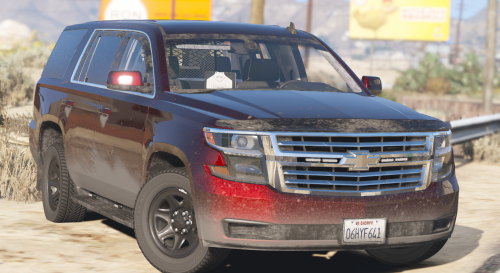 Love this model! A bunch of extras that allow me to make many set up of lights. Also, the decision of not having flashing light in code 3 in its tail lights is an awesome decision.Oh! And the flashing lights pattern is delightful!! Five Stars! Hope to see more models of you out there 😃
 -
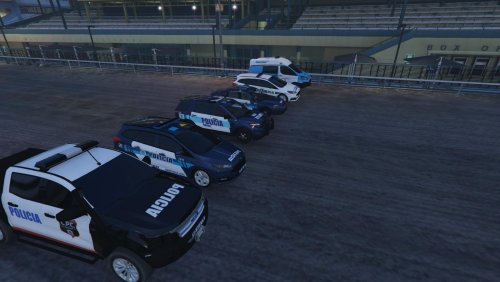 Me registré exclusivamente por tu post Juan!!! Excelente noticia que haya alguien haciendo móviles de las fuerzas policiales de Argentina :D Muchas gracias!!! Descargando... Y a probar! :)