



PJR4015
Members
-
Joined
-
Last visited
Reputation Activity
-
 PJR4015 reacted to
Deactivated Memberfor a gallery image, Keep on truckin' -
PJR4015 reacted to
Deactivated Memberfor a gallery image, 20170714124030_1.jpg -
PJR4015 reacted to 0taku for a gallery image, Image dumpModel is almost finished. So here is just a bunch of Images of the truck for you guys
-
-
-
-
PJR4015 reacted to
Deactivated Memberfor a gallery image, Pick your wagon -
-
PJR4015 reacted to
Deactivated Memberfor a gallery image, 20170712154824_1.jpg -
PJR4015 reacted to
Deactivated Memberfor a gallery image, Duty Calls -
PJR4015 reacted to
Deactivated Memberfor a gallery image, Loaded up and truckin' -
-
PJR4015 reacted to RobertTM for a gallery image, LectricityGetting there!
-
PJR4015 reacted to
Deactivated Memberfor a gallery image, Kickin' dirt -
PJR4015 reacted to
Deactivated Memberfor a gallery image, 20170709180144_1.jpg -
PJR4015 reacted to Cameron Waller for a gallery image, 20170709121225_1.jpg
-
PJR4015 reacted to Yard1 for a gallery image, LSSD is recruitingFinally, the out-of-place banner has been replaced!
Will be included in RDE 3.1.
Banner by me.
-
PJR4015 reacted to RobertTM for a gallery image, Slicktop/Unmarked Part 2Will also be adding the caprice as an unmarked car!
-
PJR4015 reacted to
Deactivated Memberfor a gallery image, 20170707095336_1.jpg -
PJR4015 reacted to
Deactivated Memberfor a gallery image, 20170706200646_1.jpg -
PJR4015 reacted to RobertTM for a gallery image, Slicktop or Unmarked!Might make variations for all the 90s cars to replace the FBI slots. The pushbar, console, spotlights and partition are extras!
-
PJR4015 reacted to Cameron Waller for a gallery image, 1998 Ford Crown Victoria P71- LA. Co Sheriff
-
PJR4015 reacted to Cameron Waller for a gallery image, West Hollywood
-
PJR4015 reacted to RobertTM for a gallery image, Old School1996 Vic is almost completed! Has new taillights that have emissives instead of just having the corona like on the sheriff one.
-
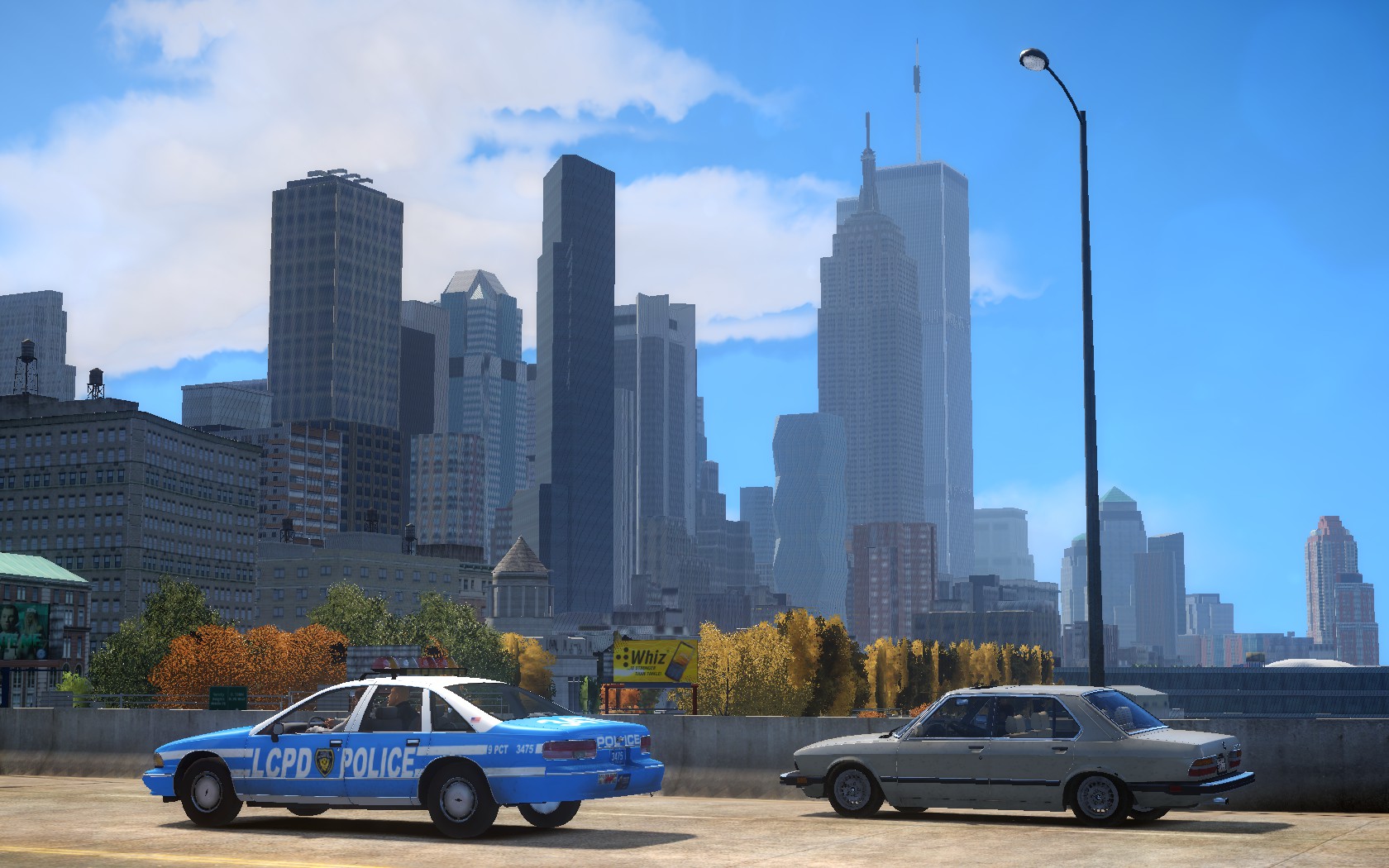
PJR4015 reacted to Jack Bennett for a gallery image, Finally fixedI finally fixed the shading bugs on the LCPD cop but shoot... Since the Liberty City Conversion project has been canceled, RDE Liberty has been canceled which means... *gasp* this ped can't be released! I really wanted to see the LC project go through. But oh well... here are some pictures. Enjoy something that will never get released. Sorry. (If you could not tell, I was being sarcastic. I know, I'm bad at sarcasm. Please don't bring out the pitchforks).
I'll use the badge and belt for a Boston Police ped pack instead. Don't worry :). Maybe I'll make an NYPD ped but I don't want to get too much hate for being inaccurate.
