


Silovik
Members
-
Joined
-
Last visited
Everything posted by Silovik
-
 .
. -
I see your from pittsburgh area. Thats very neat you should make a Bellevue police skin for a charger that would be neat to see.
-
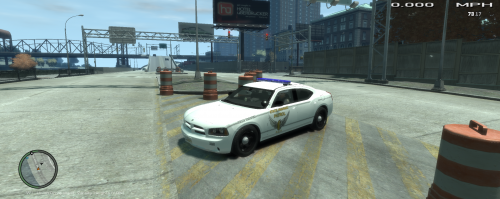 That picture was taken at like the end of 2011 because of the blue lightbar. And yes they switched to Silver cars starting in 2012. Great job though its incredible what you can do.
- 8 comments
- 1 review
-
Great Job, the members on this site amaze me with what you can do within video games. Why did you not make it silver? Other then that great job.
- 8 comments
- 1 review
