



GTAMAN561
Members
-
Joined
-
Last visited
Reputation Activity
-
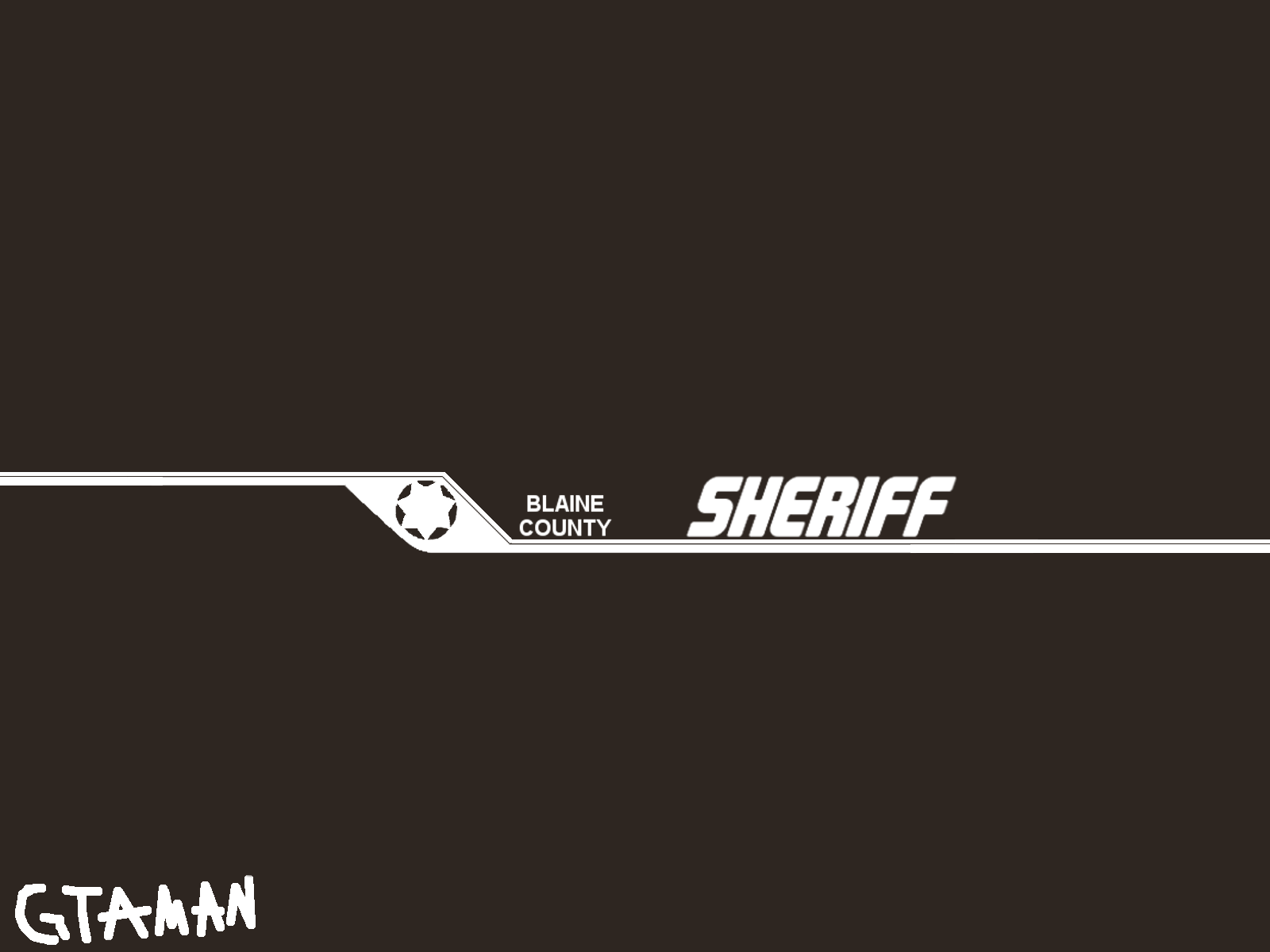
 GTAMAN561 got a reaction from RyWilson for a file, GTAMAN's BLAINE COUNTY SHERIFF SKIN FOR 2015 CHARGERBefore we begin I'd like to say that this skin was made by me(GTAMAN) for theHurk's 2015 Charger found at http://www.lcpdfr.com/files/file/11261-2015-lspd-dodge-charger/
The skin it was based off my county's sheriff vehicles.
*INSTALL*
1. Let's hope you have OpenIV installed since you already have installed hurk's Charger.
2. Open OpenIV
3. Locate police2.ytd it should be in Mods>Update>x64>dlcpacks>patchday9>dlc.rpf>x64>levels>gta5>vehicles.rpf>
4. Select chgr_sign_1
5. Click replace and then locate chgr_sign_1.tga in the zip file you downloaded it should be inside the main folder.
6. Hit save then close OpenIV
--------------------
Thank you again and one more thing this is my first texture for GTA V so please feel free to tell me things that I could improve on. This also means I am not responisble if anything breaks it works fine for me.
-GTAMAN
