


Kevbot327
Members
-
Joined
-
Last visited
Everything posted by Kevbot327
-
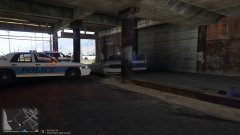
From the album: Del Perro Police Dept.
-
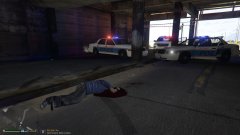
From the album: Del Perro Police Dept.
-
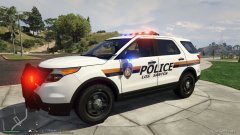 i had the same question the patch says Los Santos Police Dept. but then the star says sheriff los santos
 -
Let me know if you think they are good and if i should post them for download **THIS IS JUST A TEXTURE** model from Captain14's LSPD Pack
-
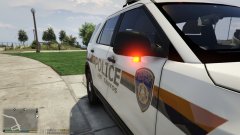
From the album: Nassau County inspired 2013 FPIU
-
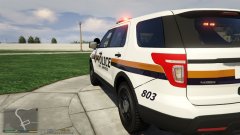
From the album: Nassau County inspired 2013 FPIU
-
From the album: Nassau County inspired 2013 FPIU
-
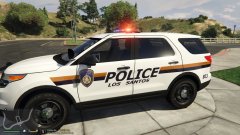
From the album: Nassau County inspired 2013 FPIU
-
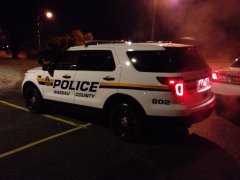
From the album: Nassau County inspired 2013 FPIU
This is the car i based my texture off of, i found this photo on the ford website. -
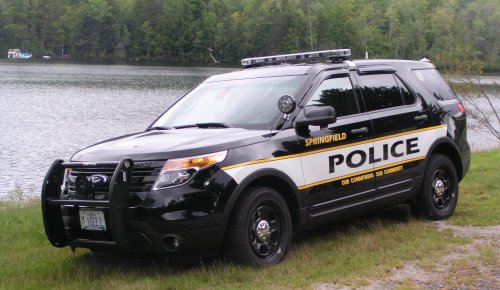 Thanks man i just used paint.net so i do not have much choice in the font :/ and i dont wanna spend money on photoshop, know of any other good programs? Also it wont let me go to the site you linked, something about being harmful! Also i just used the motto used by the LSPD on the default cars.
- 4 comments
- 1 review
-
-
-
-
-
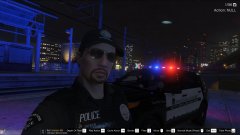
From the album: SELFIEEEEE
FOR @JAM because you dont like when people upload selfies -
I got bored saw the Springfield ford explorer and thought it would look cool if i made it into a skin for LSPDFR. I hope everyone likes it! Please read the ReadMe for the installation information! These are NOT full models. Just textures for models by @Captain14 You can find the models here: Let me know what you think in the comments and give it a rate! Please keep in mind these are the first skins i have ever made and uploaded! Any and all advice will help me a lot!
- 4 comments
- 1 review
-
-

- 1
-
-
Yes please, link some videos
-
You wouldnt be able to skype now? OR is it super late for you?
-
This is the one i was trying to install, i followed the instructions it gives but when i launch the game it crashes
-
kind of, do you know of a really good YouTube video that explains it well?
-
Is that models or skins, Im talking about repalcing the skins on already existing vehicles. DO you put the models in the newest patchday (patchday8) within GTAV\updates\x64\dlcpacks? or are you placing vehical skins in the newest patchday? And is your Updates folder in the GTAV root or is it in a Mods folder which is in the GTAV root?
-
I think the SDK file came with my auto install of LSPDFR, no i do not mod, and the 2 read mes are about SDK, yes i checked integrity, and if i remove the mods folder and just put the textures in the regular updates or X64e files the game crashes. But if i put it in the updates or x64e Within the Mods folder i created the game launches but the skins do not show. :/
-
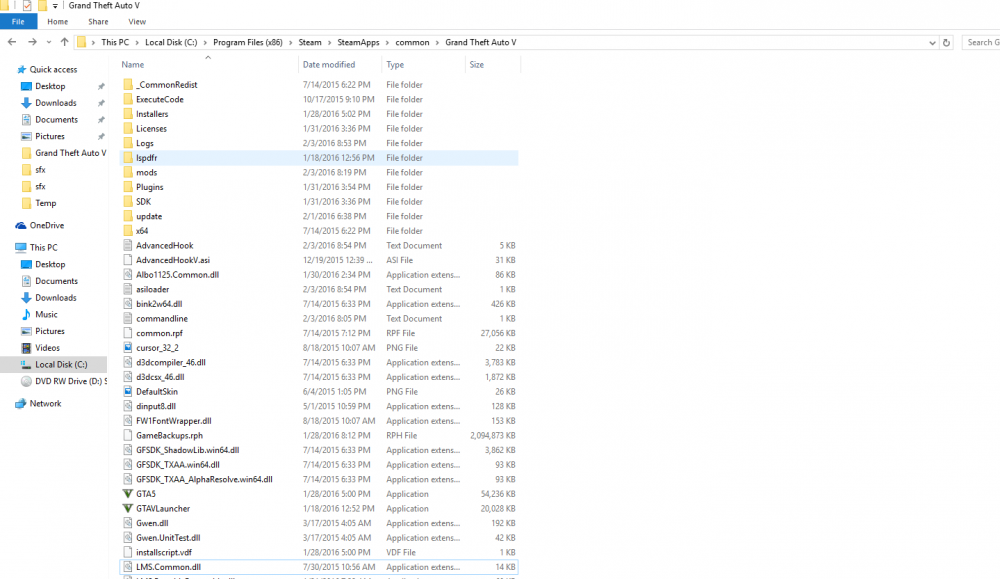
This is my "C:\Program Files (x86)\Steam\SteamApps\common\Grand Theft Auto V" file
.thumb.PNG.ec73e84ce1692296b25cca216eadd3c7.PNG)
.thumb.PNG.d42d19c4725267aeaee24eed84105a34.PNG)
-
Yes :( Maybe my game isnt registering that the mods folder exists?
-
yes i am. :( But after i finnish replaceing the files i exit out of openIV and then launch using Rageplugin, that ok?


.PNG.c4f6e8a2e76e6183fe851dff3459f986.PNG)
.PNG.5bba4a2feb6dda54e6a733df0466382a.PNG)