ianw240
Members
-
Joined
-
Last visited
Everything posted by ianw240
-
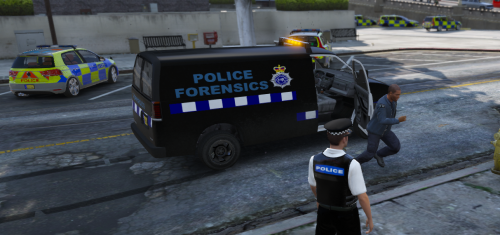 your welcome :) had fun making it made a few other adjustments to my game like another police uniform and put RAC on the side of the tow truck lol thought this only one good enough to upload for now tho haha ... and don't think i can change it now thought it was in gta 5 mods just under misc?... idk lol and thanks for trying it out :)
 -
werent sure where to put it as its not just a vehicle cos its the coroner skins too so :P lol i can change it if you want :)
-
re texture of Smaen's speedo coroner thought could use a british one so i edited it myself :) the original files are included but will include a link https://www.gta5-mods.com/paintjobs/addon-vapid-speedo-coroner-van-by-smaen also included true coroners from lspdfr which i also edited to british original maker Alex_Ashfold http://www.lcpdfr.com/files/file/9169-true-coroners/