


dominowars
Members
-
Joined
-
Last visited
Everything posted by dominowars
-
-
-
-
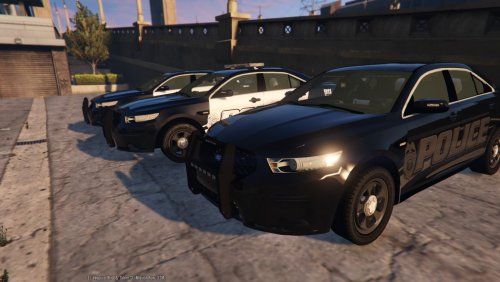 1) remplace police 3 for police it's ok ? 2) My car is white, impossible to have the vehicle in black. I install everything, but there is a bug? the vehicle is white .....
- 112 comments
- 36 reviews
-
Excellent work !!! 18/20 PS : 1) Could you tell me where I have to put the extra folder in the mod file? 2) How to use only the light blue / red? 3) How have only mark Police vehicles? 4) Can I replace police3 by police? thank you very much !
- 112 comments
- 36 reviews
.thumb.jpg.4066677156985e22489bfecddc2f6c45.jpg)
