
krystofer
Members
-
Joined
-
Last visited
Everything posted by krystofer
-
2006+ Finished steel wheels already in the game.
-
WIP from scratch
-
I am doing the P71 but I need more time.
-
Nie musi być, tekstury robią robote. He asked me "Is the full 3D dashboard?" Answer is, no isn't but the textures are good enough, effect is even better than a 3D model.
-
Yea, exactly. To be honest I know nothing about taurus but the latest version looks better.
-
Keep it up because the 2015 looks much better.
-
tucked bumper, textures, materials, materials, textures, double exhaust, materials
-
The guy who gave me this model asked me to keep it in privacy but initially there was an another plan to put the model into SA. As we know DFF have lacks in security and Author was concerned about it. Anyway, place of this model is here in V, Oldsmobile_85 also wanted to release V version, somebody even made the conversion, the problem is the Oldsmobile_85 he disappeared without a reason and explanation half year ago. Now in this format the car is safe and probably I'll release the model. If anyone want to help me any hint or trick for the Zmodeler would be useful.
-
No.
-
This is my first work for V, actually it's just a conversion, model were made by Alex SS and Oldsmobile_85 who gave me it long time ago. So here we are, this is the fourth export and still a lot of work to do.
-
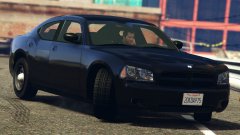 ayy nice
 -
-
-
-
-
-
i did, on gtaforums krystofer it's reworked stainer model from iv
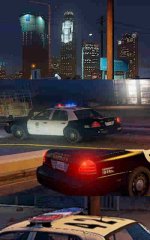
From the album: low quality from usa
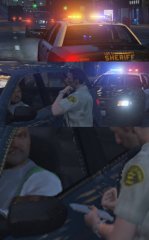
From the album: low quality from usa
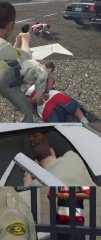
From the album: low quality from usa
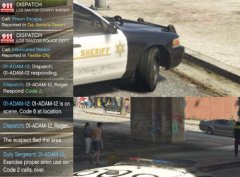
From the album: low quality from usa