jumperman09
Members
-
Joined
-
Last visited
Everything posted by jumperman09
-
In your Graphics setting in the pause menu.
-
Interesting, And your shader and post fx are high/very high?
-
Did you reinstall Radiance? I thought this topic was posted a while back.
-
-
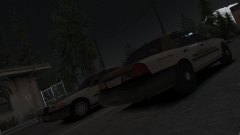
From the album: Emergency Vehicle Screenshots!
And a sheriff skin. -
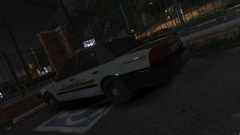
From the album: Emergency Vehicle Screenshots!
@thegreathah Skin looks great on the new CVPI. -
 Very nice man, I was excited to see you start doing vehicle modeling. For a first pack/vehicle(s) you did an amazing job. Not too many lights and not many less just the right amount. And being a person who loves wraparounds I automatically fell in love. Great job man!
- 84 comments
- 28 reviews
-
-

- 3
-
-
From the album: Emergency Vehicle Screenshots!
#GTAVPhotography -
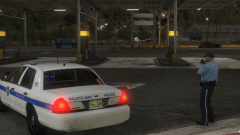
From the album: Emergency Vehicle Screenshots!
@Mikofiticus Love the uniforms man! -
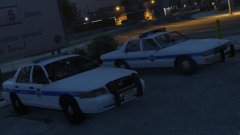 At this current stage no, Still have to fix the lightbar and get some perms. These cars and skins go great with your uniform textures by the way!
 -
From the album: Emergency Vehicle Screenshots!
Skins by me, idea from bxbugs Caprice edited by me. -
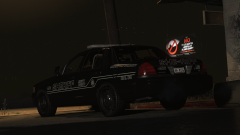 Lol Long enough.
 -
-
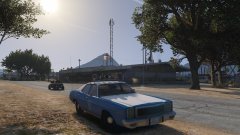
From the album: Emergency Vehicle Screenshots!
-
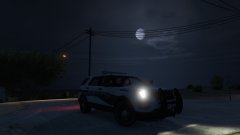
From the album: Emergency Vehicle Screenshots!
-
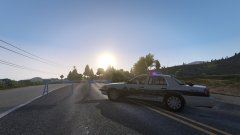
From the album: Emergency Vehicle Screenshots!
-
Yeah, He felt it was necessary to head to SA for a bit.
-
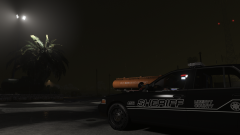
From the album: Emergency Vehicle Screenshots!
-
From the album: Emergency Vehicle Screenshots!
Rainy nights are the best. -
You need to go into the XML for the police cars, and edit the "SECL" from LED's to "traf", Then you can find some traffic advisor patterns.
-
Well for most, Having Radiance or something similar. Having postfx on high and shader on high works.
-
Do you have Radiance?
-
Yeah, If you go to the INI. "LightFlashDelayMainLts =" I set mine to 28 and the lights are a perfect speed for me. @ASTK9
-
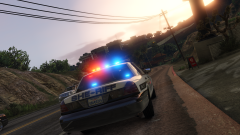
From the album: Emergency Vehicle Screenshots!
-
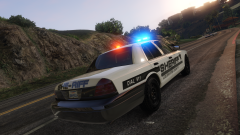
From the album: Emergency Vehicle Screenshots!