


jumperman09
Members
-
Joined
-
Last visited
Everything posted by jumperman09
-
I am upset they haven't made a NFS where we can play as the cops in a while, Having the freedom to choose was awesome.
-
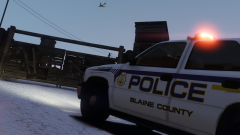
From the album: Emergency Vehicle Screenshots!
Sorry I haven't posted in a while, got alot going off in life. Anyways here's my next planned release. Hopefully! -
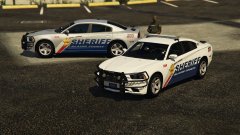 Is that a go rhino pushbar with a setina logo?
 -
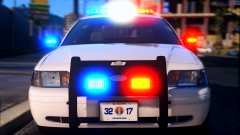 Wonder who made that skin! PS looks amazing man
 -
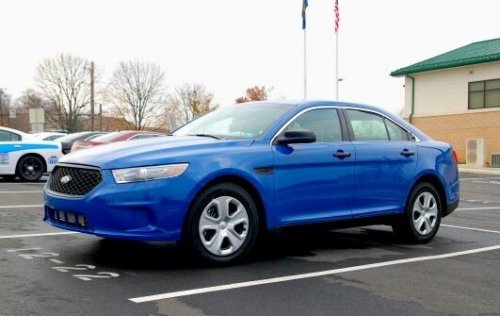 Let me put it this way, I was in your shoes about a year and a half to 2 years I was terrible at making skins..You can go look at the very first I've made. You will learn but I hope you know people are looking for full designs that are high quality, making skins is just like making vehicle models..people hold you to a very high standard and will judge your every flaw in what you make. Instead of doing full colored skins, learn and make good designs. I wish the best of luck to you.
- 26 comments
- 1 review
-
-

- 2
-
-
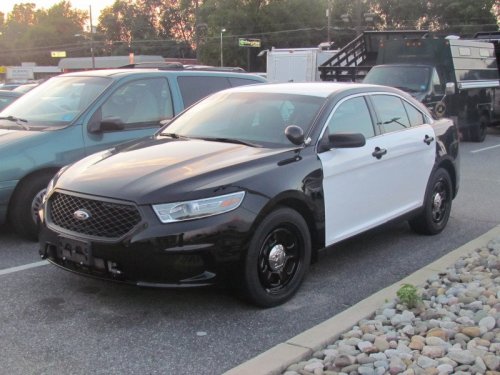 I'm trying to figure out why your extreme obsession is a bracket plate..Plus you include zero screenshots in game.
- 7 comments
- 1 review
-
-
- 10
-
-
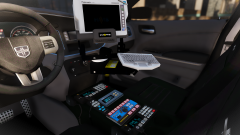
From the album: Emergency Vehicle Screenshots!
-
 Ok crown vic police
 -
From the album: Emergency Vehicle Screenshots!
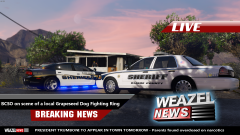
Weazel News Template made by: @Him1250 "President Trumboni" -
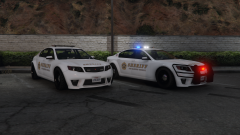
From the album: Emergency Vehicle Screenshots!
@NefariousBonne I used the lighting from your vanilla pack, what do you think? -
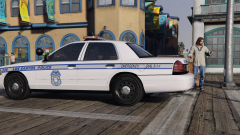
From the album: Emergency Vehicle Screenshots!
Skin WIP by Iansonwheels Car by me Based off of Dayton, Ohio PD -
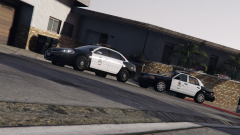
From the album: Emergency Vehicle Screenshots!
Impala put together by me Release TBD CVPI By @TWISTEDSCOPES -
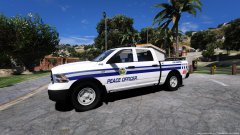 Yeah at the time of making it, the model needed some work. It's since been updated but I don't plan on updating it until I push out a few more projects,
 -
skin looks nice, Nice to see people using a model I made.
-
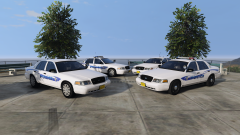
From the album: Emergency Vehicle Screenshots!
@t0y No more default plates, door trim or rear badge.. Will be released soon, waiting on perms for lightbar. -
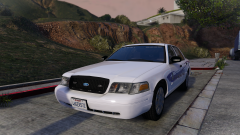 ;)
;) -
Curious as to why I should?
-
From the album: Emergency Vehicle Screenshots!
Has a decent light setup Mirror lights actually move with the door...so no floating lights. Should be released in a pack with a CVPI with a lightbar, I also felt like using the textures I loved in IV. Best of both worlds -
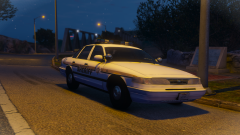
From the album: Emergency Vehicle Screenshots!
*Is ELS with strobe patterns *Will be released in a modern and old sheriff pack with around 4-5 vehicles. -
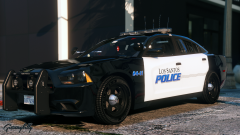 Says the guy who said "Who even post in the gallery anymore" but seriously though..looks amazing.
 -
Looking good, I love seeing some more vics getting pumped out.
-
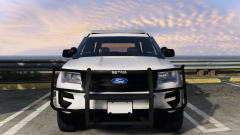
From the album: Emergency Vehicle Screenshots!
-
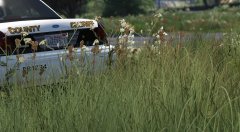 about time
 -
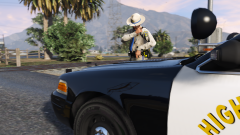
From the album: Emergency Vehicle Screenshots!
Meme photo: "Everything looks good under here!" -
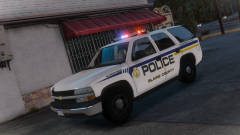 Bxbugs. Converted by Blackjesus

