


kiandre21
Members
-
Joined
-
Last visited
Everything posted by kiandre21
-
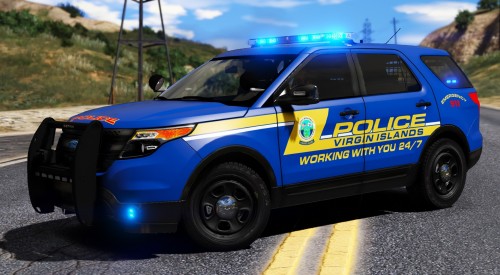 What is the font that was used and how did you get it to slant in the opposite direction like that?
- 5 comments
- 1 review
-
-
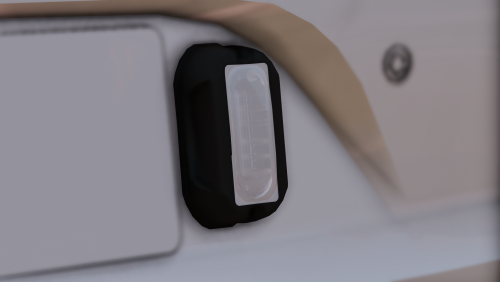 How do I get the textures for the glass and the base of the lights so that I can put it in my ytd file, because I don't see it in the texture dictionary. nevermind
 -
 Is there anyway you can make the MDT tone that you can hear at (timestamp: 4:36) in this video?
- 24 comments
- 1 review


