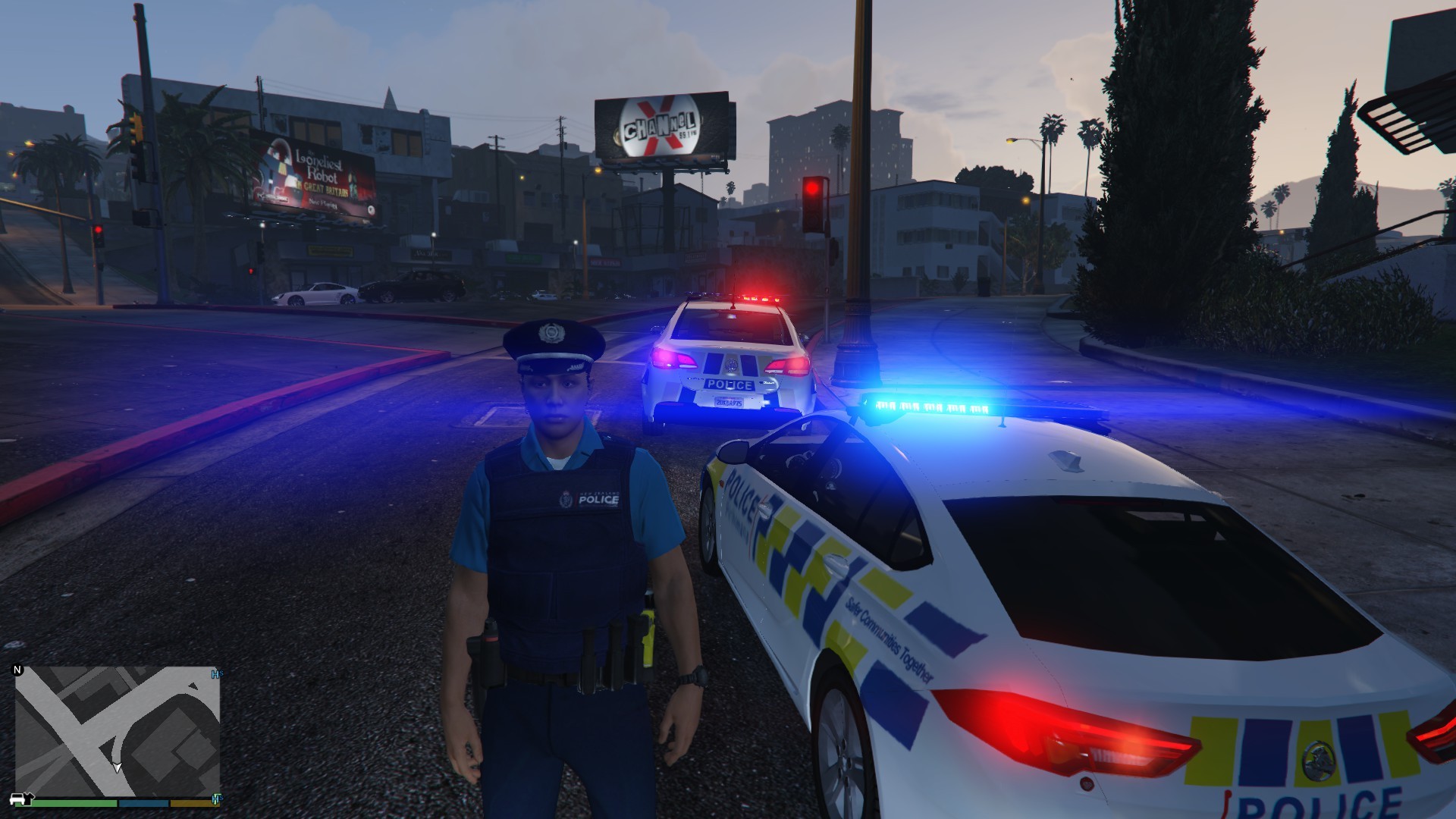
Oh, so you want to know who I am?
I'm from New Zealand, a country where the entire police force is less than that of Los Angeles, where we don't carry guns on our hips - only tasers and pepper spray, and where we have around 900 squad cars with no prisoner partitions in them.
I love my JDM styled cars, Mazda MX-5's and Subaru WRX's in particular. I love flying and I have over 100 hours on my flight log, but no pilots license yet. Computers are my hobby, and I build at least five a year (for friends and relatives, not myself). Would you believe that I built my PC over three years ago, and still haven't upgraded it?
I am an avid modder of GTAV, and I try to be as realistic as possible when playing LSPDFR. I use American orientated mods, play in a New Zealand orientated style, and I use the ingame unit number 8-King-17.
Wanna know why the New Zealand Police are the most chilled out and coolest police force? Have a look at this video. Gotta love kiwi humour.
https://www.youtube.com/watch?v=Q7UX8KASASU
"Always blow on the pie -- Safer Communities Together"