
undeadXpotato
Members
-
Joined
-
Last visited
Everything posted by undeadXpotato
-
Thx
-
When ever i go on duty i have a problem with Texture loss. But i don't have this problem when ever i go not on duty and even in Lspdfr 0.3.And i that one i have much more stuff installed. so why in 0.4 when ever i go on duty it usually happens about less than 5 min into my patrol. My ram is not maxed out or ether is my game memory so i don't know what the issues is. So can some plz help
-
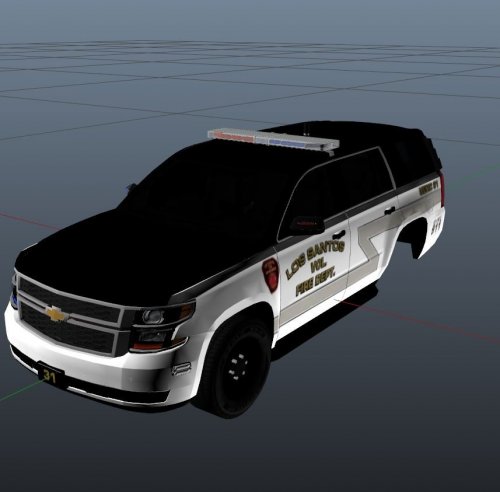 like the name says its red and blues for thegreathah 2017 Tahoe PPV LSFD Variant
 -
 yeah ill do that.
 -
Had some Problems on the window ill be adding the LSPD sigh to the window when i have time to put it
-
-
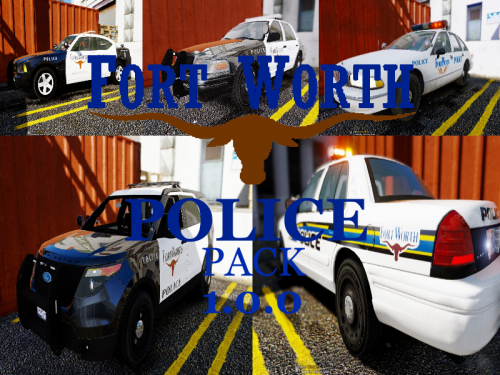
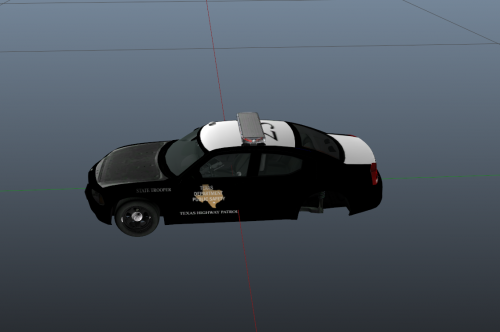 i mad a little texture i will make a pack soon