



AndreiH
Members
-
Joined
-
Last visited
Files posted by AndreiH
-
RAGE Trainer
Beta: 0.3b (16106) | Alpha: 0.4.108a (16109) | inDev: 0.4.148 (16113)
Just another trainer aiming to do things differently
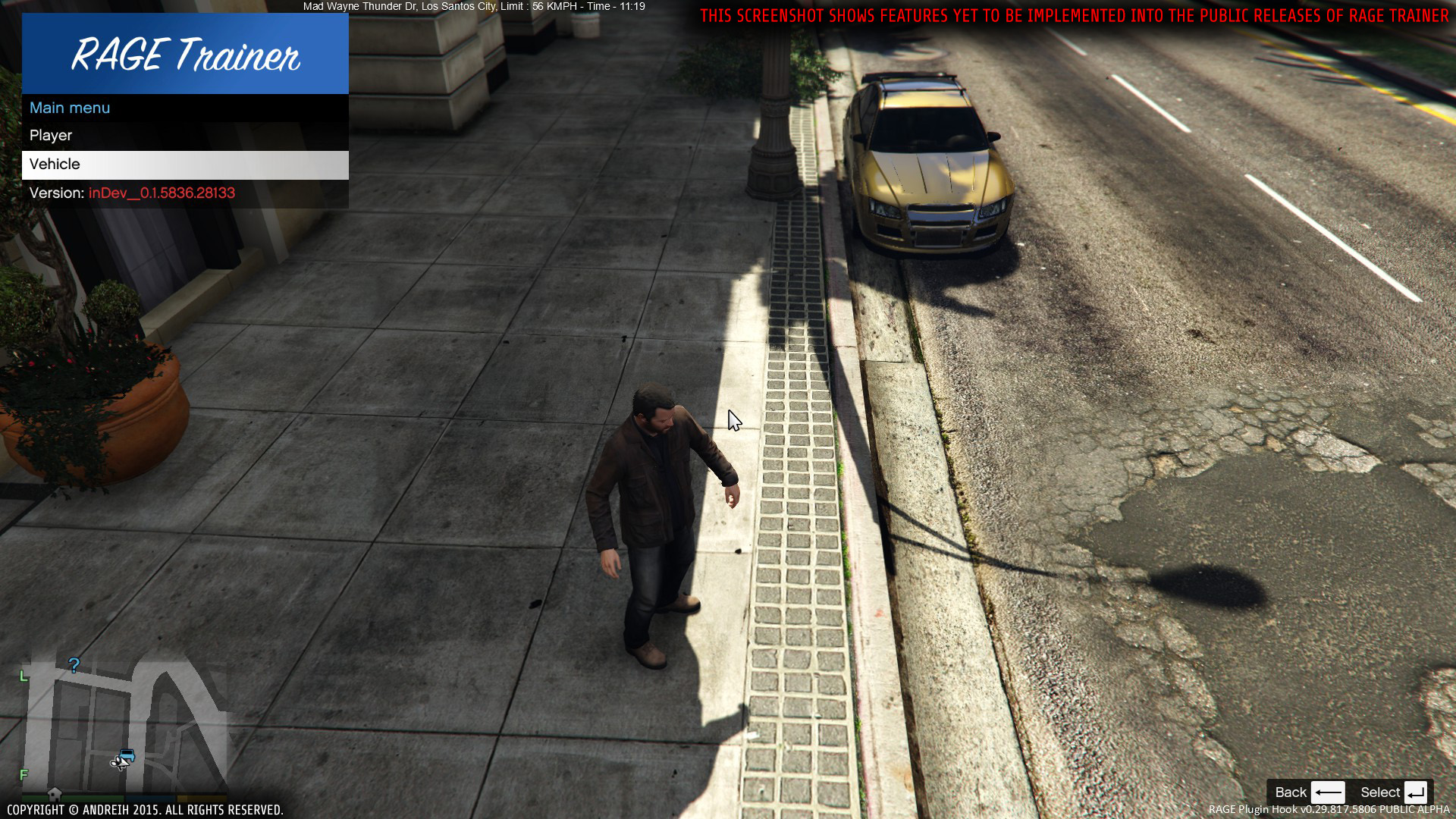
Hello everyone! I would like to present to you my first and latest mod for GTA V, the RAGE Trainer. Now, you might say, "Another trainer?!", to which I say, "Yes!". This trainer is unique in that it uses RAGEPluginHook by MulleDK19, rather than an ASI loader. An ASI loader is nice and all, but if you want to play both modded SP and vanilla MP with ease, this trainer is for you.
The trainer is currently in it's infancy days, this being the first public release. It misses many, many features a good trainer would have, but worry not! I am working on adding new features and improving existing ones. Now, why did I release it with this few features? The reason is that I want my trainer to be built for you, which means I want to hear from you from the very first builds. This way I can make sure to focus on features that players want most.
NOTE: The first ever version from the inDev branch, inDev_0.4.145, has been published! The inDev versions contain the freshest and best features, however, they might not be extensively tested, thus, the inDev versions are the buggiest of all. If you do wish to use an inDev version, please keep this in mind, and also, if you do find any bugs, PLEASE report them to me (via PMs or comments). Any support is greatly appreciated! Thank you!
AS OF ALPHA 0.4.46: The Quick Access data has been migrated from the INI file to a local SQLite database. This extends the capacity of the Quick Access menu from 5 to, technically, inifinite, but is limited to 10 due to the finite height of your monitor. If you are updating from an older version of the mod, please follow the instructions under the Update section in the ReadMe.txt file, as this will keep your current Quick Access settings and automatically migrate them to the database. If you do not wish to keep them, you can update using the old method (overwriting everything). An example of what the INI files look like:
NOTE: Again, I can not stress this enough, this is in it's INFANCY DAYS. Everything you see is subject to change! Also, keep in mind that the only public release is currently on the Alpha branch, meaning there may be bugs! Please report any bugs by posting bellow.
NOTE: I'm currently working on a big new feature for the trainer: bodyguards! For this reason, I have promoted the last stable release to the Beta branch and any new builds containing the new feature will be on the Alpha branch. Thank you for your continued support!
BEWARE: For bug reports please message me with the bug you're having and make sure to include RagePluginHook.log and the latest log of the trainer, if available, from <root>\Plugins\RAGE Trainer\Logs\.
Installation:
Extract the Installation folder to the GTA V root directory Start game Load the plugin by typing into the RAGE console LoadPlugin "RAGE Trainer.dll" Press F5 for the main menu (default, can be changed in RAGE Trainer.ini) Press F6 for the quick access menu (default, can be changed in RAGE Trainer.ini) Enjoy!
NOTE: To add items to the quick access menu, press the K (default, can be changed in RAGE Trainer.ini) key while the desired option is selected. To remove an item from the quick access menu, press the K key over an item that has a star next to it's name.
Latest version:
Beta: 0.3b (16106) Alpha: 0.4.108a (16109) inDev: 0.4.148 (16113)
Features:
Console Commands:
Dependencies:
RAGE Plugin Hook - min. v0.38 (Download) RAGENativeUI - min. v1.3.1.0 (Included) SQLite - min. v1.0.98.0 (Included) SQLite.Interop - min. v1.0.98.0 (Included) Special thanks to:
MulleDK19, LMS, alexguirre- 12,317 Downloads
- 32 Comments
Updated

