



AndreiH
Members
-
Joined
-
Last visited
Everything posted by AndreiH
-
 Please provide me with a RPH log as well.
 -
Thank you very much for your kind comment! That was my goal from the very beginning, to make something easy to use and intuitive! I'm glad you like it!
-
Please make sure you are using the latest version as this is an issue that should've been fixed by it.
-
I am now aware of this issue and I will publish a hotfix as soon as possible. EDIT: The new version has been uploaded. It should fix any issues encountered with the plugin.
-
As I said in a previous changelog, the API has been temporarily disabled. I will inform you when it has been readded with the required documentation.
-
Update: I have uploaded a hotfix to the previous version as it was throwing a NullPointerException every time you tried to do... Pretty much anything. Sorry about that!
-
My pleasure. :D
-
Thank you very much for the concern! I am very sorry for the long overdue update for the trainer. I have just now published the RPH v0.38+ compatible version.
-
From the reply from MulleDK19 on the RPH forums:
-
Hello everyone, So I'm trying to load multiplayer DLC in order to get the garage added in this DLC. The problem is that when I call the _LOAD_MP_DLC_MAPS() and the _ENABLE_MP_DLC_MAPS(bool) natives the game crashes. NativeFunction.CallByName<uint>("_ENABLE_MP_DLC_MAPS", true); NativeFunction.CallByName<uint>("_LOAD_MP_DLC_MAPS"); You can view the generated crash report on my Google Drive. And you can view the source code on Pastebin. Thank you very much! Best regards, Andrei
-
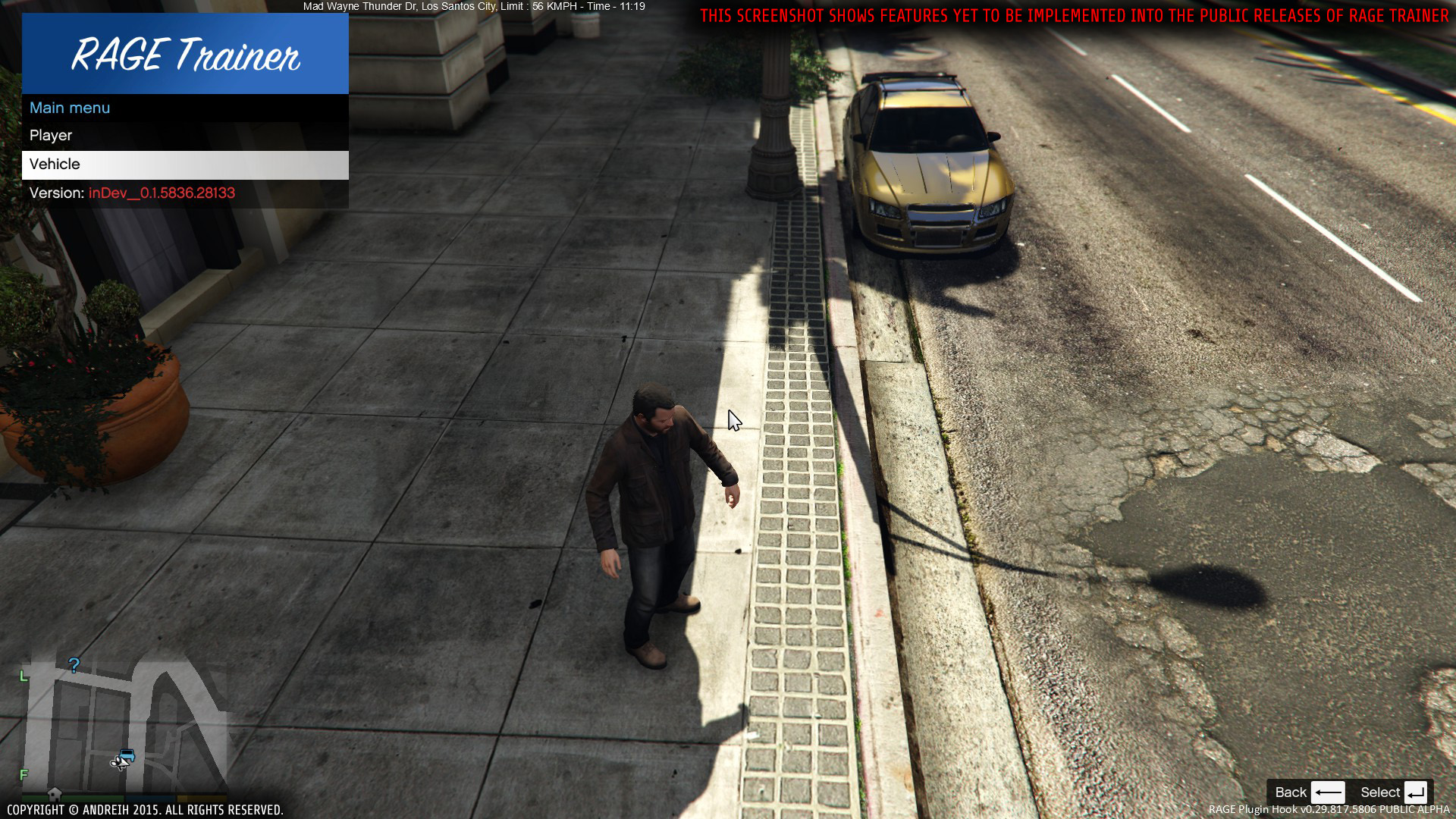
RAGE Trainer Beta: 0.3b (16106) | Alpha: 0.4.108a (16109) | inDev: 0.4.148 (16113) Just another trainer aiming to do things differently Hello everyone! I would like to present to you my first and latest mod for GTA V, the RAGE Trainer. Now, you might say, "Another trainer?!", to which I say, "Yes!". This trainer is unique in that it uses RAGEPluginHook by MulleDK19, rather than an ASI loader. An ASI loader is nice and all, but if you want to play both modded SP and vanilla MP with ease, this trainer is for you. The trainer is currently in it's infancy days, this being the first public release. It misses many, many features a good trainer would have, but worry not! I am working on adding new features and improving existing ones. Now, why did I release it with this few features? The reason is that I want my trainer to be built for you, which means I want to hear from you from the very first builds. This way I can make sure to focus on features that players want most. NOTE: The first ever version from the inDev branch, inDev_0.4.145, has been published! The inDev versions contain the freshest and best features, however, they might not be extensively tested, thus, the inDev versions are the buggiest of all. If you do wish to use an inDev version, please keep this in mind, and also, if you do find any bugs, PLEASE report them to me (via PMs or comments). Any support is greatly appreciated! Thank you! AS OF ALPHA 0.4.46: The Quick Access data has been migrated from the INI file to a local SQLite database. This extends the capacity of the Quick Access menu from 5 to, technically, inifinite, but is limited to 10 due to the finite height of your monitor. If you are updating from an older version of the mod, please follow the instructions under the Update section in the ReadMe.txt file, as this will keep your current Quick Access settings and automatically migrate them to the database. If you do not wish to keep them, you can update using the old method (overwriting everything). An example of what the INI files look like: NOTE: Again, I can not stress this enough, this is in it's INFANCY DAYS. Everything you see is subject to change! Also, keep in mind that the only public release is currently on the Alpha branch, meaning there may be bugs! Please report any bugs by posting bellow. NOTE: I'm currently working on a big new feature for the trainer: bodyguards! For this reason, I have promoted the last stable release to the Beta branch and any new builds containing the new feature will be on the Alpha branch. Thank you for your continued support! BEWARE: For bug reports please message me with the bug you're having and make sure to include RagePluginHook.log and the latest log of the trainer, if available, from <root>\Plugins\RAGE Trainer\Logs\. Installation: Extract the Installation folder to the GTA V root directory Start game Load the plugin by typing into the RAGE console LoadPlugin "RAGE Trainer.dll" Press F5 for the main menu (default, can be changed in RAGE Trainer.ini) Press F6 for the quick access menu (default, can be changed in RAGE Trainer.ini) Enjoy! NOTE: To add items to the quick access menu, press the K (default, can be changed in RAGE Trainer.ini) key while the desired option is selected. To remove an item from the quick access menu, press the K key over an item that has a star next to it's name. Latest version: Beta: 0.3b (16106) Alpha: 0.4.108a (16109) inDev: 0.4.148 (16113) Features: Console Commands: Dependencies: RAGE Plugin Hook - min. v0.38 (Download) RAGENativeUI - min. v1.3.1.0 (Included) SQLite - min. v1.0.98.0 (Included) SQLite.Interop - min. v1.0.98.0 (Included) Special thanks to: MulleDK19, LMS, alexguirre

