


chinky8889
Members
-
Joined
-
Last visited
Everything posted by chinky8889
-
-
.thumb.jpg.cc3ebb9745f9bf6f53ec864fb0d05a61.jpg) Yeeeaaaaahhhhhhh thanks to you. I'm in a new car and its dope!!!
Yeeeaaaaahhhhhhh thanks to you. I'm in a new car and its dope!!! -
-
Can't outrun us.
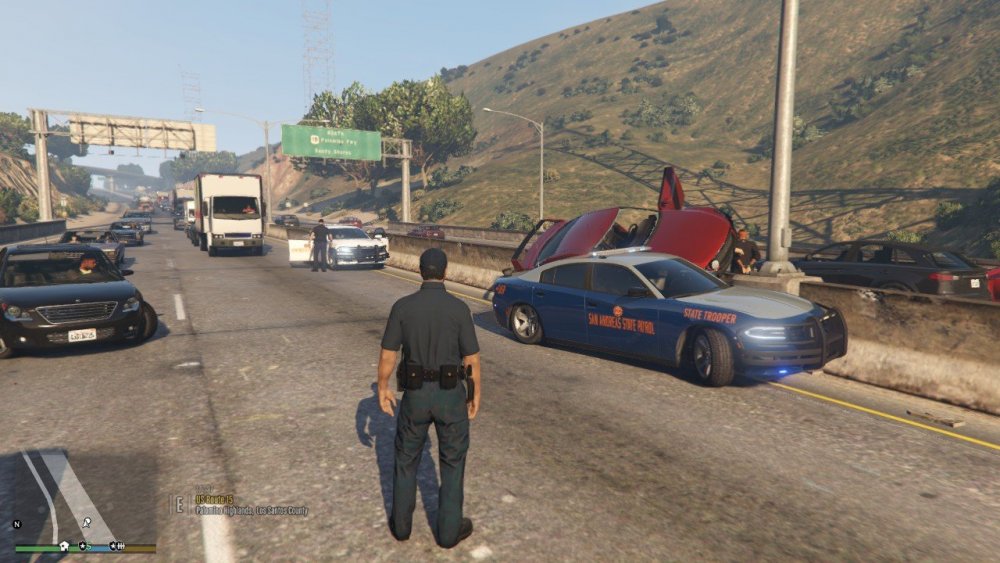
-
 Same here. He didn't put the SuperCallouts2.dll in this update. So it will tell us to update until he puts it in this update.
- 1,032 comments
- 65 reviews
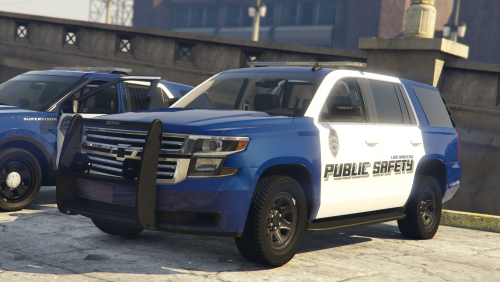 Yessiiiirrrrrr!!!! This pack is clean!!!!Installed a callout, went to play my game it crashed at loading screen. Then i uninstalled the callout or atleast thought i did and my game is still crashing. Please help my son is going to kill me. CrashReport_Turtl_637679735967106414.zipYeah its an addon file instead of .rar. I just need everything in that mod to come out of my game to get to work again i think.Would that be through the Rockstar loading screen with the tabs? I saw that but wasn't sure.I was doing good for 2 weeks playing this game and then boom..... I downloaded the Battalion mod and my game started crashing. May I get some help please? RagePluginHook.log



.thumb.jpg.cc3ebb9745f9bf6f53ec864fb0d05a61.jpg)




