


HEIMINFLUGER
-
Joined
-
Last visited
Everything posted by HEIMINFLUGER
-
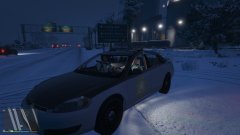
From the album: Colorado State Patrol
When your spot light is broken... lmao -
Colorado State Patrol
-
20161116160354-1.jpg
-
 20160804135755-1.jpg
-
 20160512185125_1.jpg
-
 20160512185025_1.jpg
-
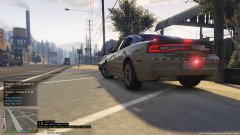 20160512185023_1.jpg
-
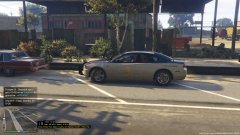 20160512185018-1.jpg
-
 20160430185554-1.jpg
-
 20160430185551-1.jpg
-
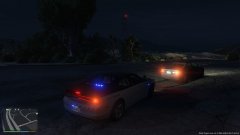 20160323205231-1.jpg
-
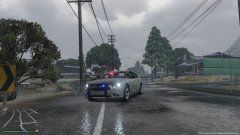 20160322152005-1.jpg
-
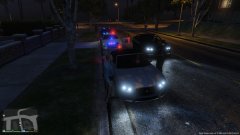 20160322120459-1.jpg
-
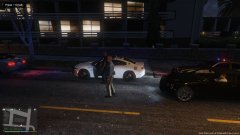 20160322120436-1.jpg
-
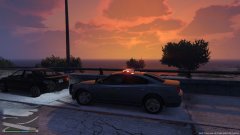 20160322115947-1.jpg
-
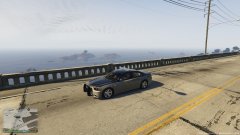 20160322114810-1.jpg
-
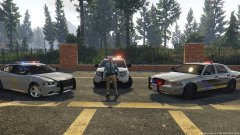 20160322114512-1.jpg
-
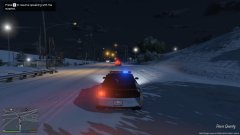 2016-01-16_00004.jpg
-
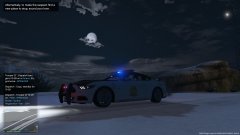 2016-01-16_00003.jpg
-
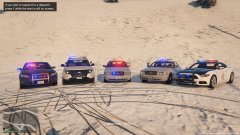 2016-01-16_00002.jpg
-
 2016-01-16-00001.jpg
-
-
From the album: Alaska State Troopers
Speeding 73 in a 60mph zone continued... -
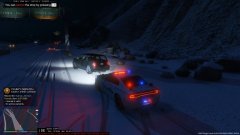
From the album: Alaska State Troopers
Speeding 73 in a 60mph zone -
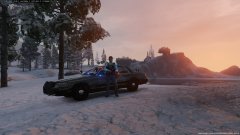
From the album: Alaska State Troopers
Back on Duty Alaska State Troopers. -
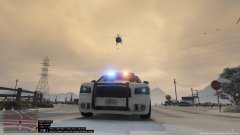 You would know :D
 -
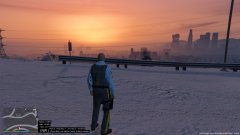
From the album: Alaska State Troopers
Trying the new AST skin out that Rosebuddy made. Looks pretty good! Needs his hat though! -
From the album: Alaska State Troopers
-
From the album: Alaska State Troopers
-
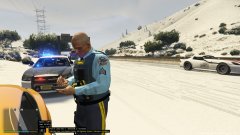
From the album: Alaska State Troopers
Trying the new AST skin out that Rosebuddy made. Looks pretty good! Needs his hat though! -
From the album: Alaska State Troopers
Just beautiful -
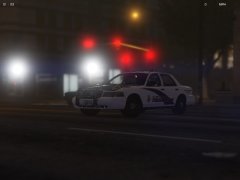 Love the AST CVPI! Looks good!
 -
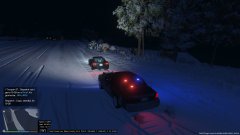
From the album: Alaska State Troopers
76mph in a 60mpg zone.. not today! -
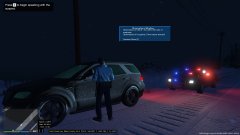
From the album: Alaska State Troopers
-
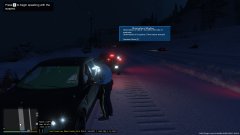
From the album: Alaska State Troopers
I upgraded my GPU and the world of difference is amazing! -
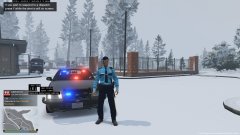
From the album: Alaska State Troopers
-
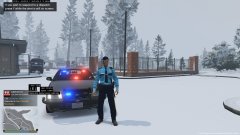
From the album: Alaska State Troopers
-
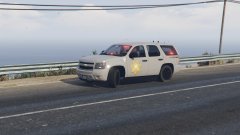 Where did you find the CSP Tahoe Texture? Ive been looking for more CSP Textures.
 -
From the album: Colorado State Patrol
Colorado State Patrol -
Everyone learns at some point bud! PM me if you need further help, glad to do it=)
-
You need to find the vehicle model that was used when making this texture. Once you have acquired this, open openiv. If you are replacing the Police.ytd model then go to x64e.rpf/levels/gta5/vehicles.rpf. Make sure the edit mode is on. Drag then new police model you are wanting to change then located the police.ytd file. Open it and find where the skin is, most often then not it will be something along the lines of explorer_sign1. You will just have to go through the files and find it. Once found click replace then replace the skin, ensure to save it. Once that is done I like to open the .yft file to make sure the skin fits well and there aren't any errors. After that run the game and it should be good to go. skin.bmp New Bitmap Image.bmp
-
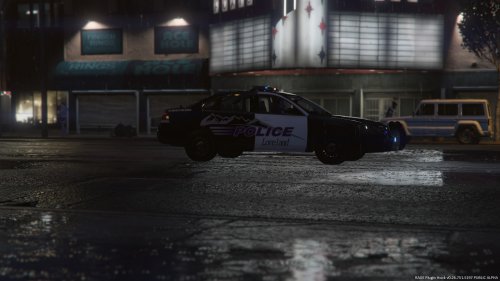 Looks beautiful, great job! Keep up the great work!
 -
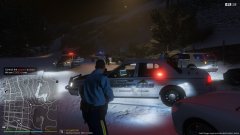
From the album: Alaska State Troopers
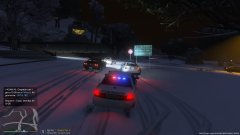
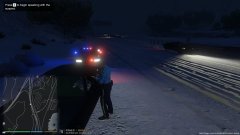
Shots fired at officers. Anchorage Police Department had outstanding response time! -
From the album: Alaska State Troopers
-
From the album: Alaska State Troopers


