



keger
Members
-
Joined
-
Last visited
Everything posted by keger
-
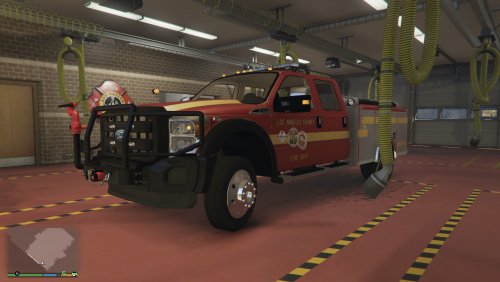 Wow! This is great model. Am I wrong in assuming that the 2016 FIPU is not far behind. I am giddy over that one!
- 39 comments
- 11 reviews
-
I'm really looking forward to this release. Your progress looks amazing. I love that you are doing a CHP model. There is one featured on youtube videos but it seems the modeler wants to keep it private. Will you also release a slicktop version? Once again there was one on this site but it seems to have been removed. Looking forward to the release.
-
.thumb.jpg.61de846de400ca98f85d205992527de1.jpg) This car is outstanding in every way. The author put in an incredible attention to detail. The lights are incredible and set a new standard for the lighting system on models. I will say that personally I am not that big of a fan of Chargers. That is a minor detail when considering the quality. I wished that the Ford Interceptors were done to this level. I would love to see more vehicles done with this lightbar.
This car is outstanding in every way. The author put in an incredible attention to detail. The lights are incredible and set a new standard for the lighting system on models. I will say that personally I am not that big of a fan of Chargers. That is a minor detail when considering the quality. I wished that the Ford Interceptors were done to this level. I would love to see more vehicles done with this lightbar.- 265 comments
- 83 reviews
-
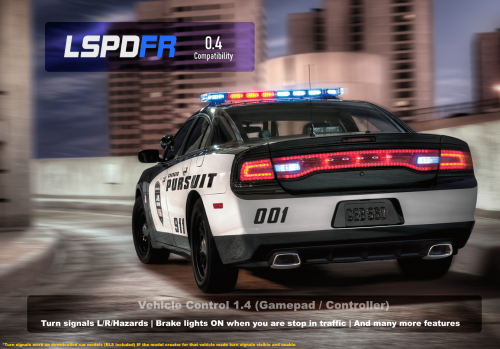 I am going to add my voice to the requests. Turning the siren off and changing tones with a button would be great.
- 26 comments
- 12 reviews
-
-

- 1
-
-
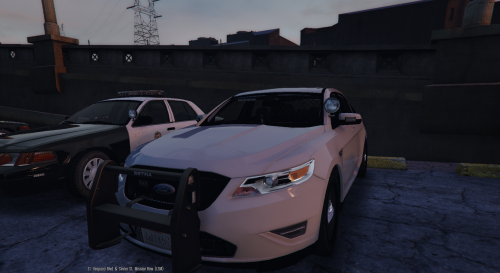 Hi great car! After switching to RPH .36 the car no longer displays the blue lights it displays red only. Any suggestions. Worked fine in .34
- 68 comments
- 14 reviews
-
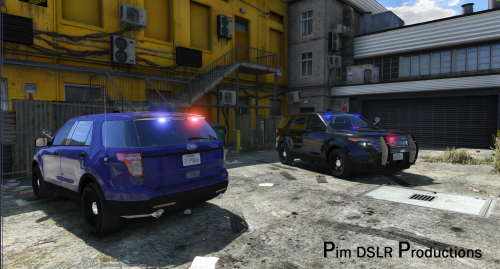 Outstanding. Add a computer and it will be amazing. Thanks for all your hard work. Would love to see lightbars that go all across the front and back windows. Not sure if there are limitations of the game or not.
- 48 comments
- 18 reviews
-
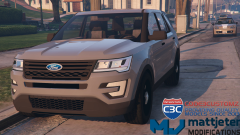 I can hardly wait for this
 -
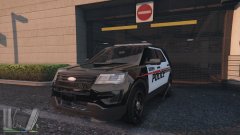 This model is blowing my mind. Great work looking forward to release! A rambar and and lights in the windshield + rear lights would make this over the top. Will the lightbar be removable so that it can be played as a slicktop?

.thumb.jpg.61de846de400ca98f85d205992527de1.jpg)
