




Ghnty5
Members
-
Joined
-
Last visited
Everything posted by Ghnty5
-
-
-
-
-
-
awesome! just curious as to how soon you can make one? I live in manitoba, so if you can make it from manitoba RCMP and have a window template also? send me a message and we can talk :)
-
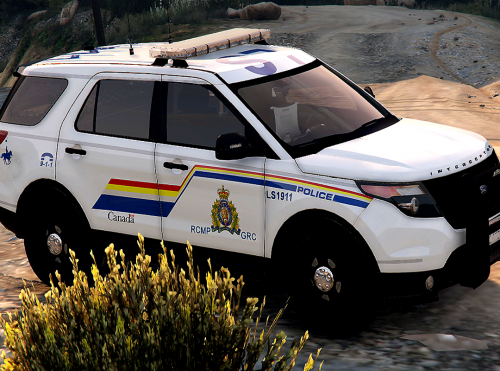
Would someone be willing to make me a RCMP Supervisor Skin for this vehicle Thanks in advance
-
-
okay perfect thanks
-
I just installed the newest EUP plus the menu, and when i use eup to change from michael to the custom player. the player simulates being drunk. he staggers when he runs and sways when hes standing still? any idea whats going on?
-
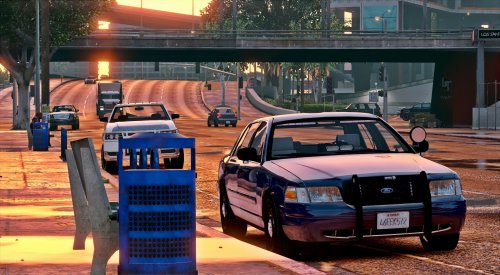 its.... so... beautiful!!! finnally a cvpi with a awesome lightbar and just the right amount of lights!!! VERY WELL DONE!
- 71 comments
- 24 reviews
-
-
 when im in my fbi slot i turn on my diren to scan mode then it freezes. only happens to me in that slot? not sure if its els or the car?
- 2,655 comments
- 234 reviews
-
I couldn't think of anything else, so I'm in the process of re-installing the game. Btw, I love your Taurus!
-
i use the directory as a backup just in case. but now even the default police3 slot wont work
-
-
yes. i have tried reinstalling the default car loading it, but the default car wont load now
-
ive had it in patchday 4 through 11 and it wont work However i did replace it as police and it does work.. but i had to get rid of another car i like. id perfer it in police3
-
 I have a support thread going. I'll give you link I have a support thread going. I'll give you link
- 93 comments
- 28 reviews
-
-
I just tried placing it in patchday11 and the same thing happens.
-
i just tried it on my simple trainer and it said invalid model well it was working for me before, i had the miami packs marked taurus it was working then it just broke?
-
okay ill try it out. but it was working before, is it possible foir the model to just break?
-
Update: wben i type spawn police3 in my rage bar, it's not even a option in the drop down menu. I attached a picture of my issue. Can someone please help.
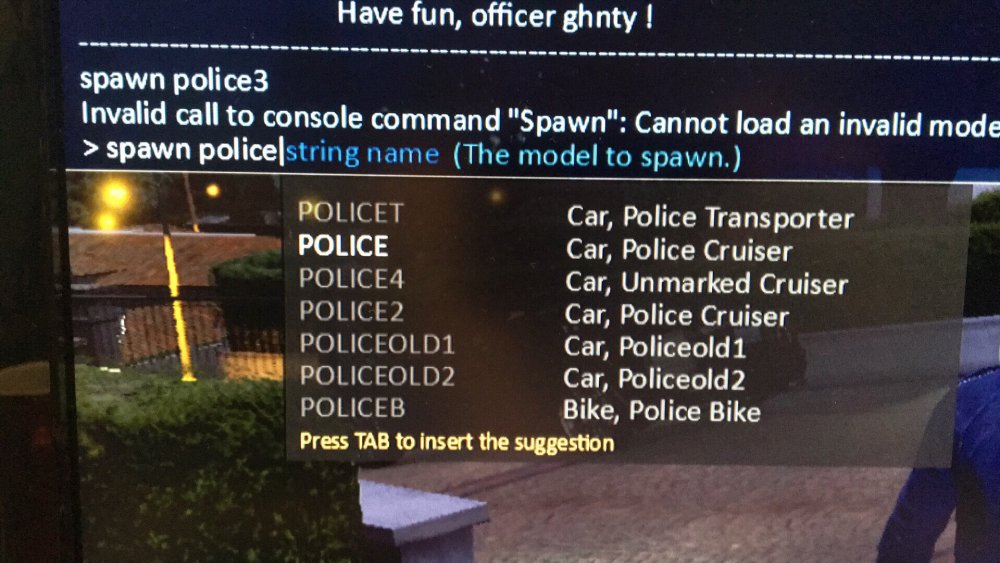
-
On my rage plugin when in game i type in "spawn Police3" and when i do that it says "Invalid call to console command "spawn" : Cannot load an invalid model." How can i fix this. i checked that the car .ytd files are correct and they are, is there something wrong with the coding in the metas? My police3 is in Patchday4


.thumb.jpg.53e6566fc11617e23f7fb13f2792cbbe.jpg)
