bshaw00r
Members
-
Joined
-
Last visited
Everything posted by bshaw00r
-
my f4 button is not working on newest version of lspdfr
-
storm any luck?
-
i have installed the new script hook v and i still am not able to get updated versions.( is it because i have two copies of the game? i made a back up folder?
-
rage hook says i need a updated game version from 1068 to 2060
-
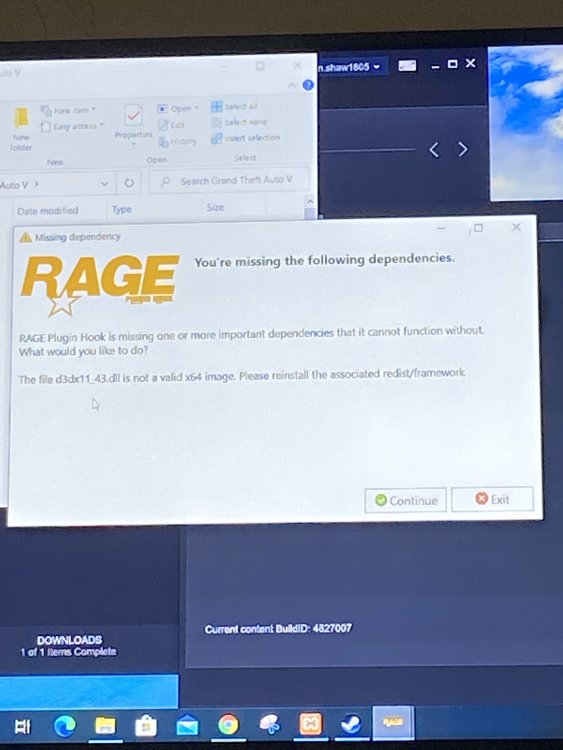
thanks i will try. do you also know how to bypass the permisson anti virius error i downloaded the direct x i still get the error saying the dll is not a true image
-
can anyone please help fix the d3dx11_43.dll error on rage hook ive tried everything i can think of
-
I can’t get this to work I need help on finding this to install so it works.
-
DSL can get it to load on rage hook I’ve placed it in the game and on computer and still saying it’s missing it so the lapsed won’t open up to play
-
Installed game version: 1103 Latest game version: 1290 Supported game versions: 1290 The installed game version (1103) is not supported. This build of RAGE Plugin Hook is made for version 1290. any help please