.jpg.95f641badcb3584e330a5a067abdad0a.jpg)

Krame86
Members
-
Joined
-
Last visited
Everything posted by Krame86
-
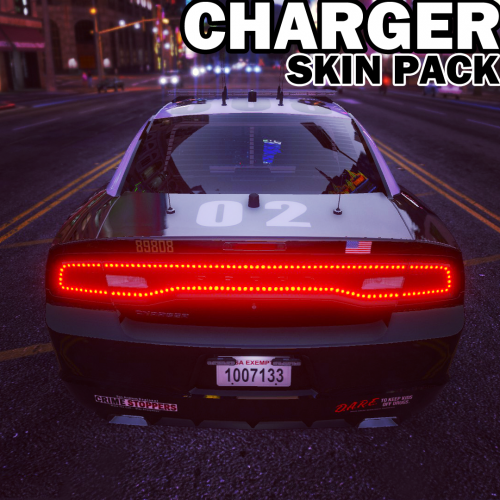
 @Delta4 Yup that is being added as well as the silverado, RS4, 2015 Taurus and F350
- 101 comments
- 17 reviews
-
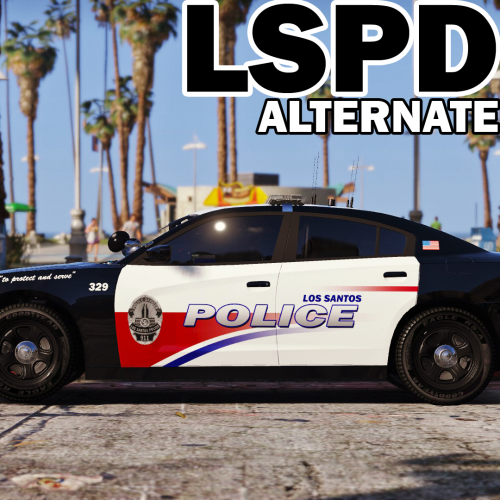 @SniperA236 Yes that will be added. I've been slacking on updating this pack, should be updated this week though
- 31 comments
- 13 reviews
-
From the album: Krame86's Gallery & WIP
-

From the album: Krame86's Gallery & WIP
-
From the album: Krame86's Gallery & WIP
-
This looks close for the first one. http://www.dafont.com/corporate-hq.font
-
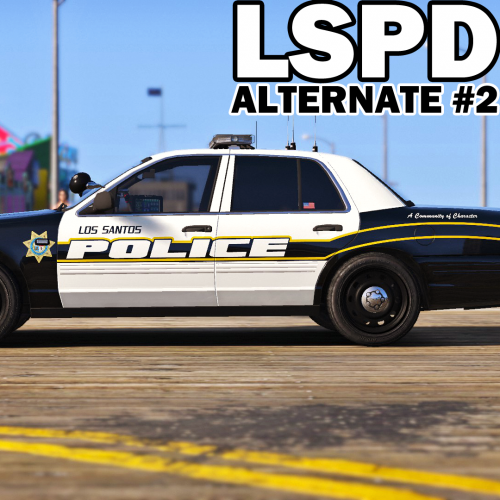 @CameronLHC I'm actually already working on the skins for that, I didnt realize it uses a different template
- 51 comments
- 14 reviews
-
-

From the album: Krame86's Gallery & WIP
-
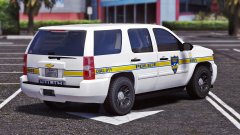
From the album: Krame86's Gallery & WIP
-
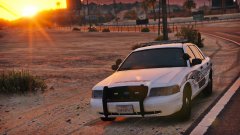
From the album: Krame86's Gallery & WIP
-
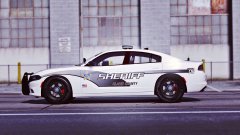
From the album: Krame86's Gallery & WIP
-

From the album: Krame86's Gallery & WIP
-
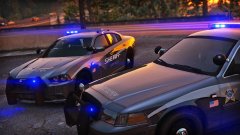
From the album: Krame86's Gallery & WIP
-
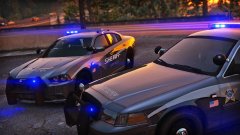
From the album: Krame86's Gallery & WIP
-
-
-
Yea i dont think thats going to run very well, maybe unless its turned all the way down but it looks really bad. And hystery is right, that cpu is below the minimum required. I have an OC'd 2600k i7 and it can barely keep up with the settings turned up.
-
I just download fonts as I go when I make skins. Just browsing through font sites for somwthing to fit the design im making. And to slant fonts, you can free transform the font layer and change the height angle to whatever you want
-
What graphics card do you have, thats a pretty important aspect too.
-

From the album: Krame86's Gallery & WIP
-

From the album: Krame86's Gallery & WIP
-

From the album: Krame86's Gallery & WIP
-
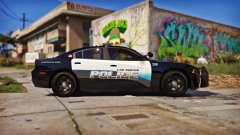
From the album: Krame86's Gallery & WIP
-
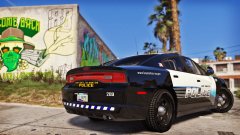
From the album: Krame86's Gallery & WIP