




TheCanadianDream
-
Joined
-
Last visited
Everything posted by TheCanadianDream
-
Cool, just thought that i post this, i recently download Better EMS mod and worked on the XML back up configuration, comparing it to LSPDFRs back up personally i thought it was way better. Although maybe i can do the same thing with LSPDFR o.4 i dont know yet, but the whole setting vehicles chances and different PEDs with different cars i think would be super COOL
-
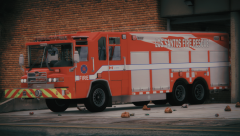
From the album: San Andreas Emergency Services
-
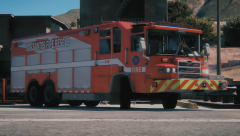
From the album: San Andreas Emergency Services
-
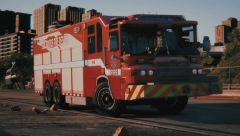
From the album: San Andreas Emergency Services
Im redoing all EMS and Fire services vehicles what you guys think? (Based off Edmonton) -
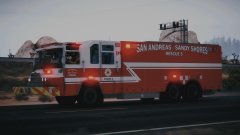
From the album: San Andreas Emergency Services
-
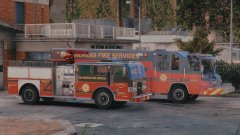
From the album: San Andreas Emergency Services
-
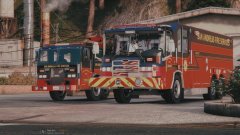
From the album: San Andreas Emergency Services
-
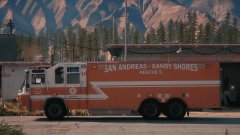
From the album: San Andreas Emergency Services
-
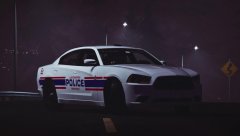
-
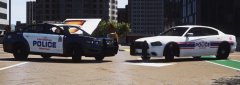
From the album: San Andreas Emergency Services
what you guys think, based of the Edmonton police service -
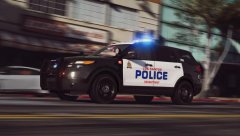
From the album: San Andreas Emergency Services
EPS Code 3, damn shes sexy - TCD Thanks babe - Girlfriend oh i meant the police car - TCD -
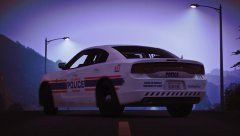
From the album: San Andreas Emergency Services
-
From the album: San Andreas Emergency Services
-
-
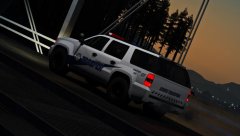
From the album: San Andreas Emergency Services
-
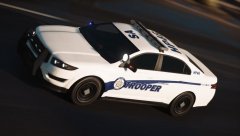
From the album: San Andreas Emergency Services
Highway Patrol 911 Pursuit -
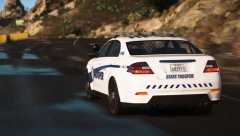
From the album: San Andreas Emergency Services
if you dont know that refrence then that's umm.....sad. -
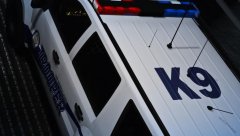
From the album: San Andreas Emergency Services
you run ill rip you to shreds -
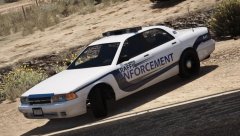
From the album: San Andreas Emergency Services
-
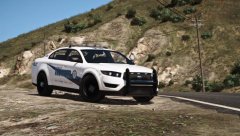
From the album: San Andreas Emergency Services
-
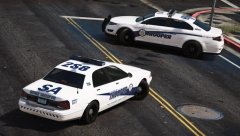
From the album: San Andreas Emergency Services
He aint getting through this road block -
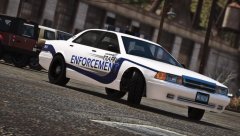
From the album: San Andreas Emergency Services
this is based off the Red Deer TE in alberta -
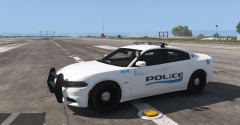
From the album: San Andreas Emergency Services
just made the Peace Officers for this as Blaine County -
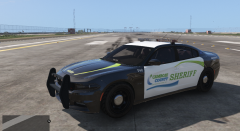
From the album: San Andreas Emergency Services
Love this design, blue, black, and green -
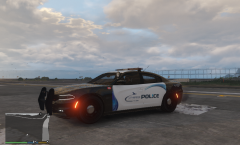
From the album: San Andreas Emergency Services
Love the design on this, what do you guys think?



