Officer K Slimm
Members
-
Joined
-
Last visited
Files posted by Officer K Slimm
-
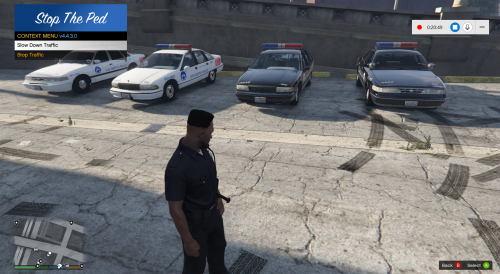
OKAY THIS SKIN TEXTURE IS FOR THE 1999 CVPI AND EARLY 2000s CVPI NOPD HAD
- 39 Downloads
Updated -
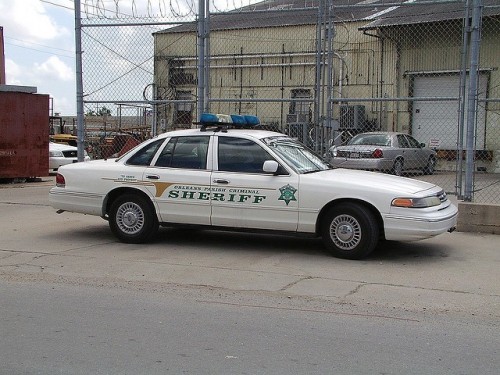
Okay so far I just finish creating the OPSO (Orleans Parish Sheriff Office) skin texture for the Chevy Caprice and Crown Victoria however I will create the skin texture of the 1980s OPSO skin texture on the CVPI and the late 2000s skin texture of OPSO. Orleans Parish Sheriff is in Orleans Parish New Orleans
- 47 Downloads
Submitted -
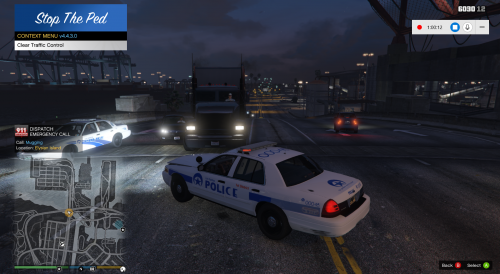
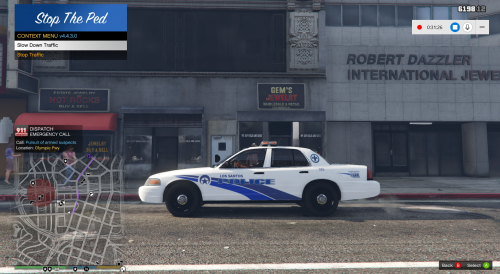
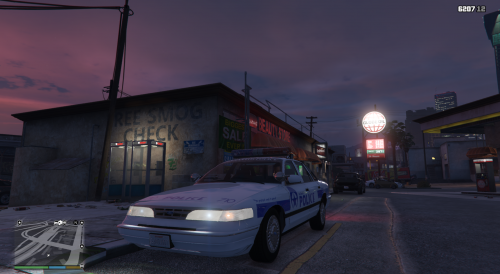
This is the NOPD TEXTURE I CREATED. The Texture was made on the CVPI in 2006 after Hurricane Katrina and NOPD still have these vehicle with these texture still on their fleet
- 19 Downloads
Submitted -
It is finally done this is my design of the New Orleans Police Dept Retro Police cars The Chevy Caprice and Crown Victoria the skin texture for these cars they use were black and white and they also had use the Ford Taurus as well for there police car fleet I wish anyone could have created the 1990s Ford Taurus police car too but I also have a Ford LTD as well that will be uploaded too the NOPD had in the 1980s if you like it please download it
- 98 Downloads
- 4 Comments
Updated -
SO FAR I HAVE FINISH CREATING MY NEW TEXTURE SKINS FOR THE NEW ORLEANS POLICE DEPT 1996-97 FORD CROWN VICTORIA
- 17 Downloads
Submitted