


Robin Bowie
Members
-
Joined
-
Last visited
Everything posted by Robin Bowie
-
Garry's ModI'm looking for some cars to model for a different game and would like to focus around using older style lighting on modern cars. The only two departments I know of that do however is MSP and Saginaw County.Thank you lund!It's INCREDIBLY unlikely someone can ID this, however with the town I work in I found a new historical photo of the old PD, however I couldn't ID the car to get a general time period of the photo being taken.
 Oh, hey. My polara. Didn't think people actual liked that.
 beautifulTwo for the actual US Park Service, and the beige-ish Caprice was out of Maryland. Somewhat surprisingly, they look REALLY nice.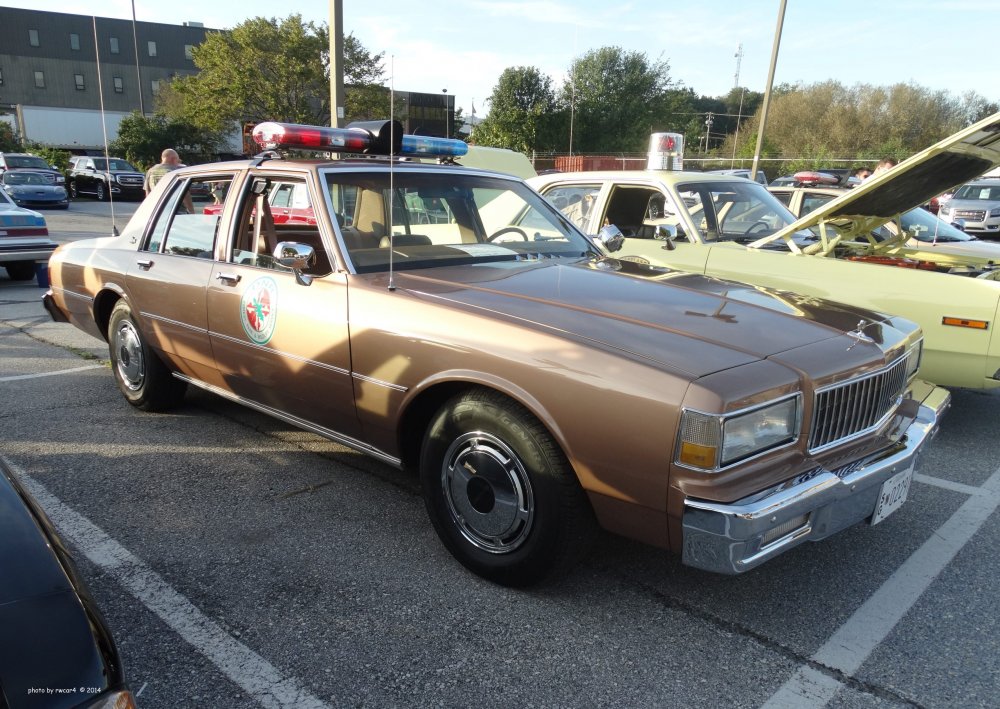
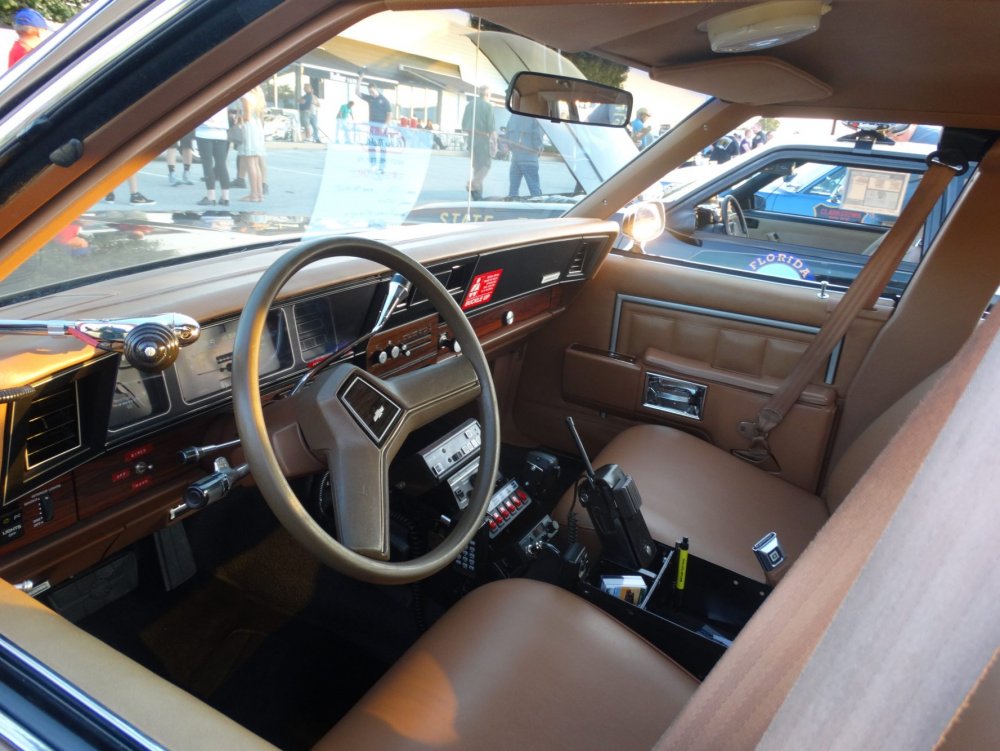
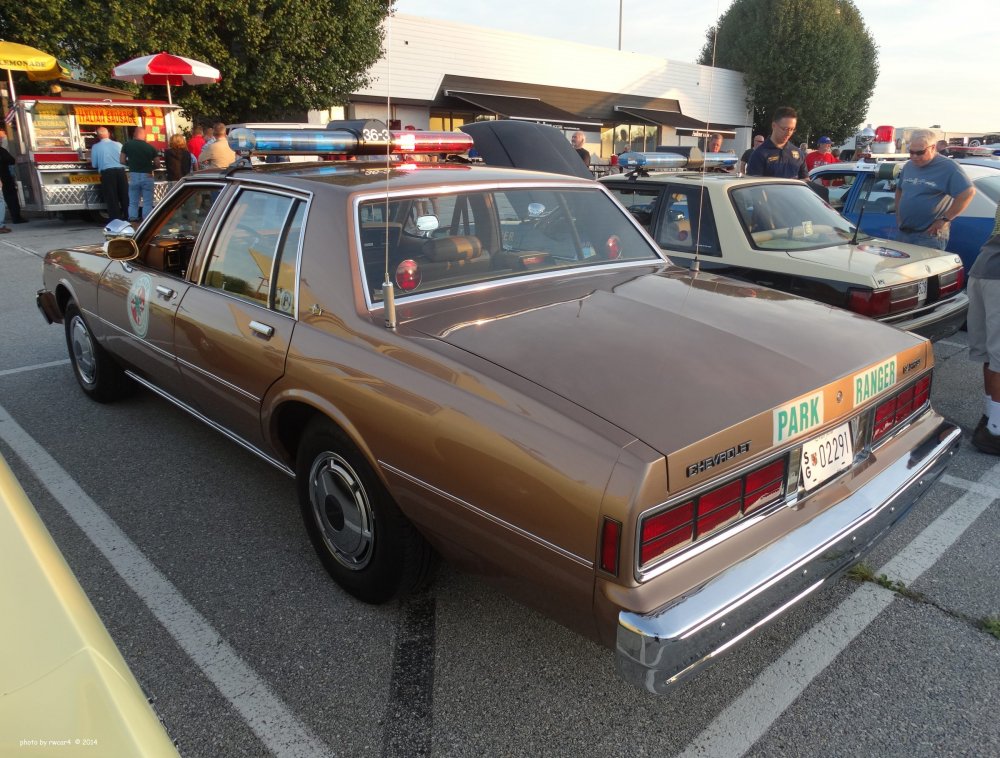
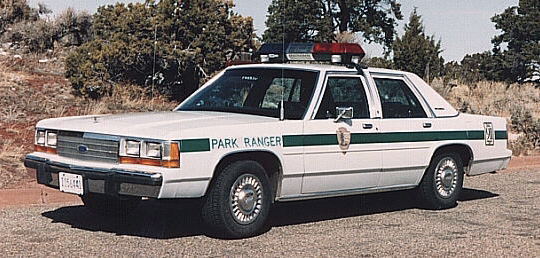
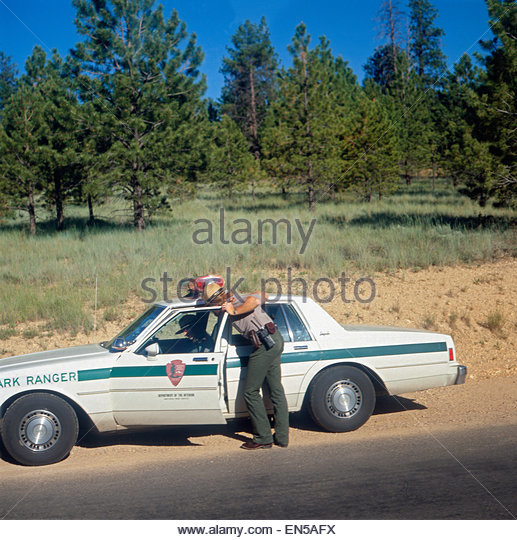 Why not a Park Ranger cruiser?
 Wait, what.Indeed.
 Any chance you'd let me beta? pleasegasp firing shots here!HOW ABOUT NOWUpdated, sorry!Fresh outta' Imperial County, California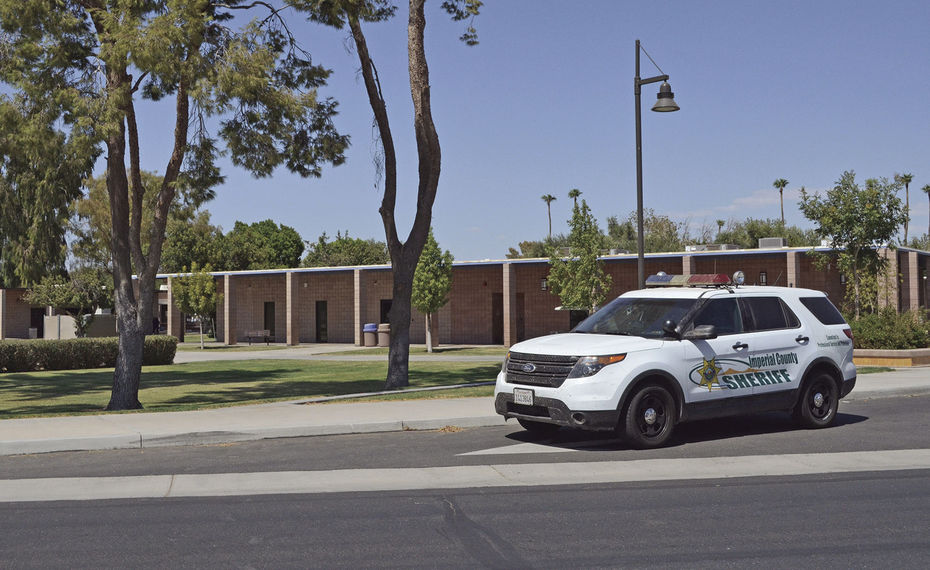
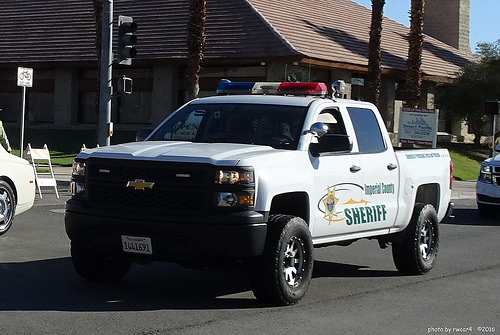
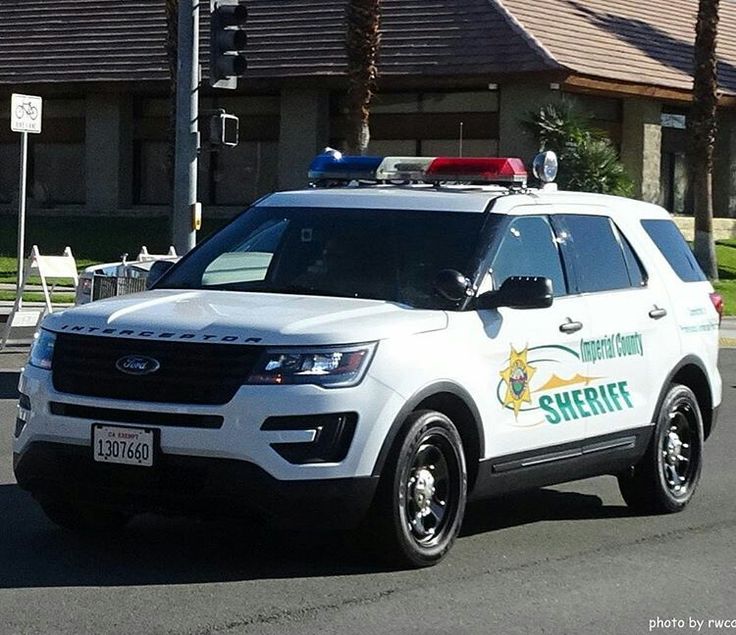

 Is that 03' Impala still W.I.P?
 Ah, my bad.
Is there gonna be any way to shape the hats so they're accurate with the 1970's? Or will these be mostly 1980's era?
Ah, my bad.
Is there gonna be any way to shape the hats so they're accurate with the 1970's? Or will these be mostly 1980's era? SIEG HAIL
 quietly chants "Make it blue!"Specify? There are many steel rims made by Ford. If I wanted to buy some, what would I look up?





Account
Navigation
Search
Configure browser push notifications
Chrome (Android)
- Tap the lock icon next to the address bar.
- Tap Permissions → Notifications.
- Adjust your preference.
Chrome (Desktop)
- Click the padlock icon in the address bar.
- Select Site settings.
- Find Notifications and adjust your preference.
Safari (iOS 16.4+)
- Ensure the site is installed via Add to Home Screen.
- Open Settings App → Notifications.
- Find your app name and adjust your preference.
Safari (macOS)
- Go to Safari → Preferences.
- Click the Websites tab.
- Select Notifications in the sidebar.
- Find this website and adjust your preference.
Edge (Android)
- Tap the lock icon next to the address bar.
- Tap Permissions.
- Find Notifications and adjust your preference.
Edge (Desktop)
- Click the padlock icon in the address bar.
- Click Permissions for this site.
- Find Notifications and adjust your preference.
Firefox (Android)
- Go to Settings → Site permissions.
- Tap Notifications.
- Find this site in the list and adjust your preference.
Firefox (Desktop)
- Open Firefox Settings.
- Search for Notifications.
- Find this site in the list and adjust your preference.