.jpg.cd4c05afd80825c3c6790d0ad04d0b80.jpg)

Steele
Members
-
Joined
-
Last visited
Everything posted by Steele
-
Much appreciated guys. ... and from Texas no less. Ha
-
Just wanted to show off my 10-8 Gaming promo video. Video done by me, most of the textures done in game are by me.
-
I second this, seeing as this is my town too.
-
.thumb.jpg.54f04afcd6ae69e17f1388b62a696d8b.jpg) For some reason packaging it like every else's mods would be too mainstream. Very irritating.
For some reason packaging it like every else's mods would be too mainstream. Very irritating.- 68 comments
- 29 reviews
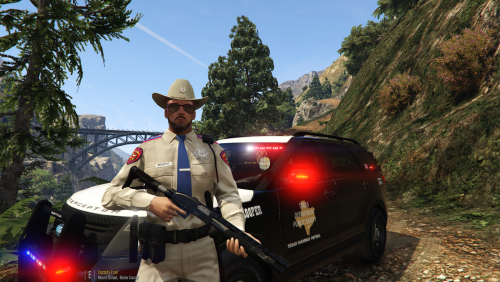
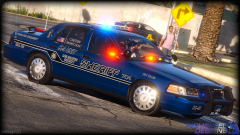 Oh god yes. That's slick.Good point. :[You could let the author speak for himself, and I would gladly help provide him with reference pictures if he wants them.Looks great, but I'm not sure why he chose to try and replicate the prototype rather than the actual production Police Interceptor Sedan that is actually used.Hate to be "that guy" but there is a lot wrong with the model in reference to the accuracy of the real life production Police Interceptor Sedan. Some of the things that are incorrect are the wheels, the front bumper cover, and the instrument panel.Perhaps a TxDPS skin some day?I mean, come on now. Not ever one? If anyone needs references to work with to help them make this mod, just ask. I'll take pictures for you of my own if needed. Just dissapointed in the lack of the new cruisers is all.


.thumb.jpg.54f04afcd6ae69e17f1388b62a696d8b.jpg)