
OfficerCassidy
Members
-
Joined
-
Last visited
Everything posted by OfficerCassidy
-
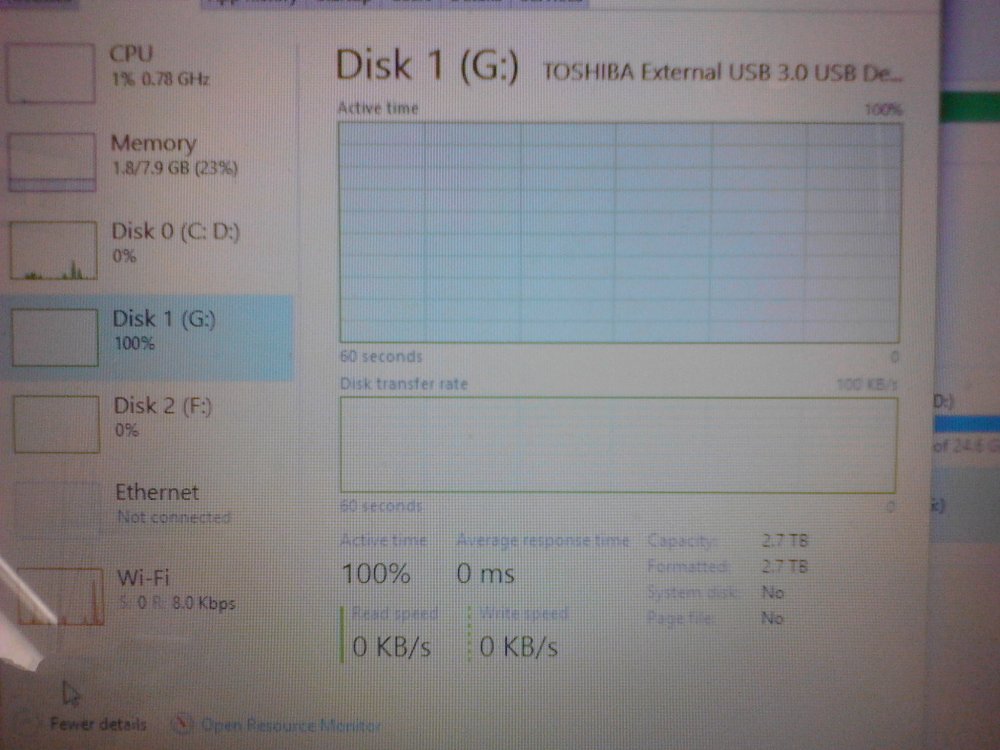
Update: Its come back from the dead. I can now use the 2.7 TB.
-
Nothing even on it. Just got it. R.I.P. And I just took pics with my tab, I can still read it. (Insert Lenny Face,) Oooooh Best Buy? I'm cominggg for you. XD
-
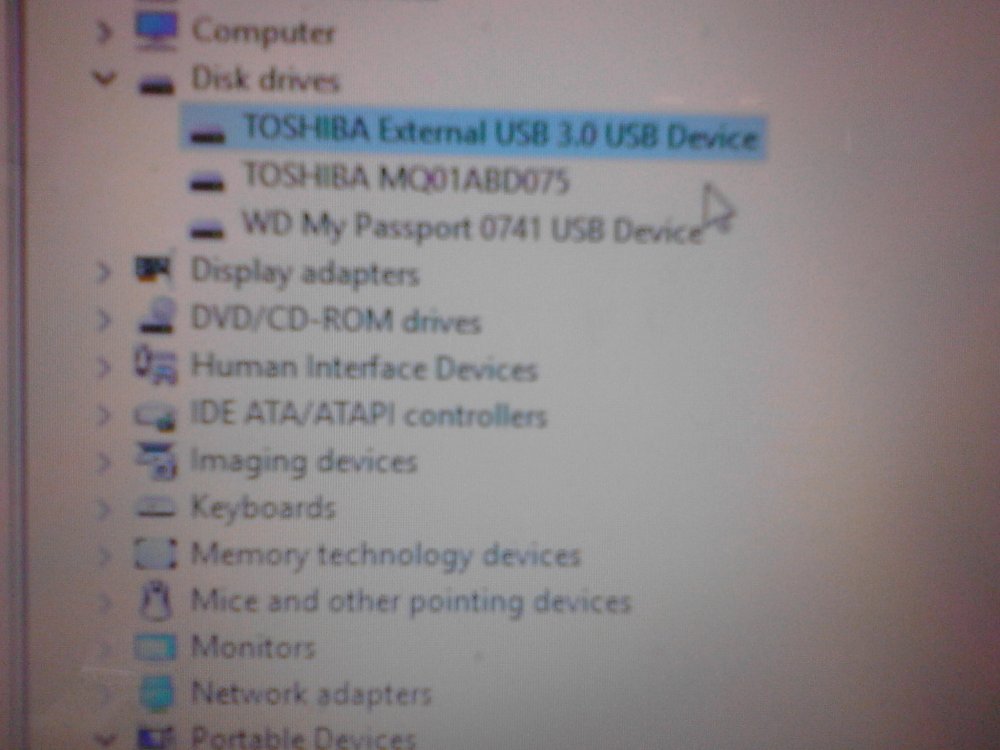
Anyone help me confirm this external hard drive is dead?
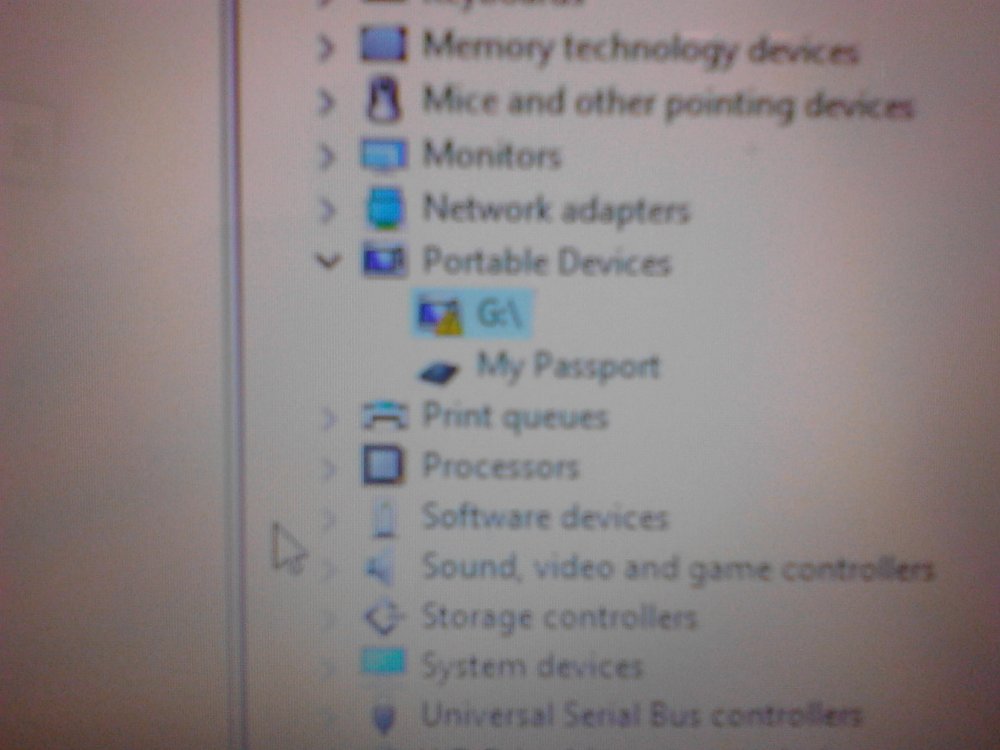
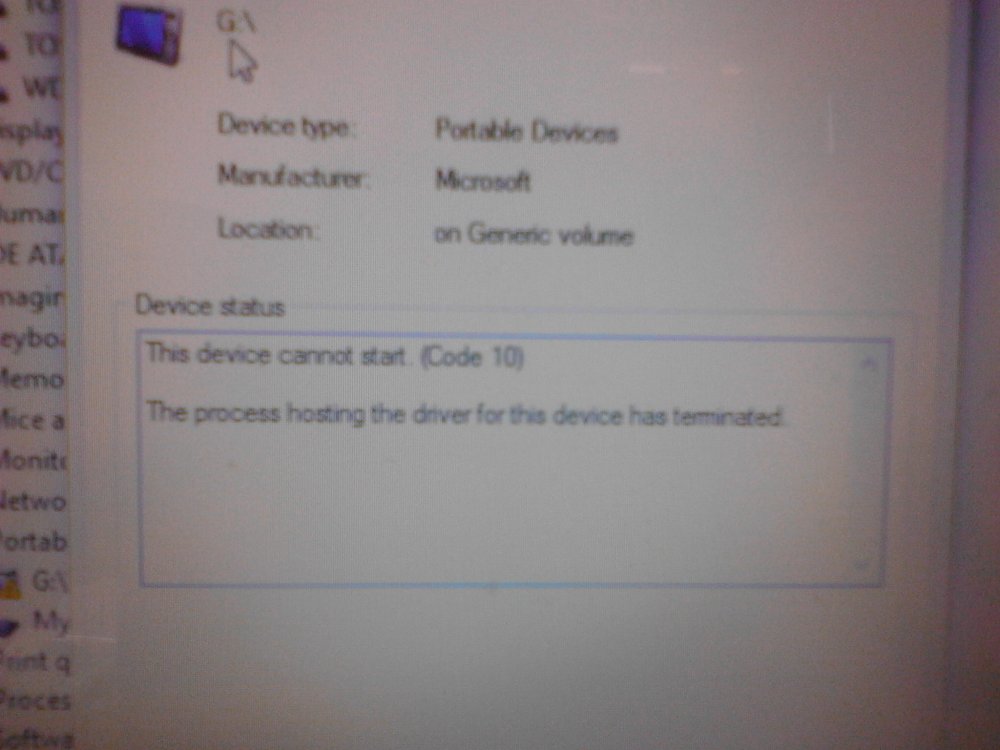
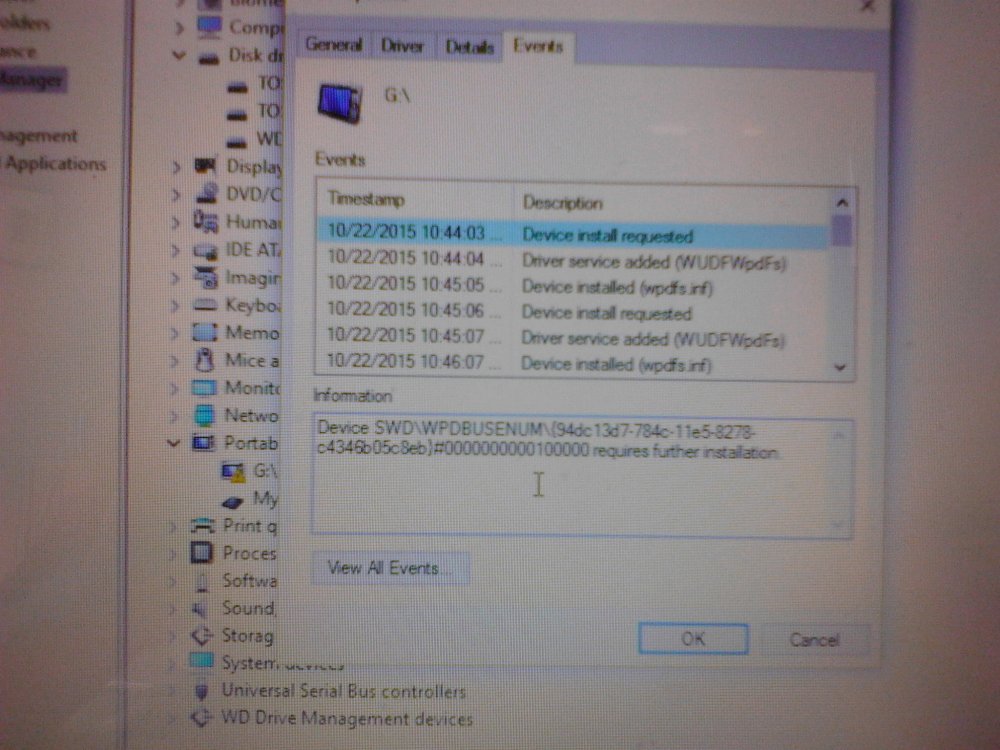
-
No idea what that is.
-
Imagine a city. Imagine that most of that city is a college. Imagine that college doesn't have a permanent learning building, just different buildings for different subjects. EDIT: Fun Fact! Maryland's Men Basketball for College is #3 in the country! Women's Basketball for Maryland is #1 in the Big Ten! EDIT: Not sure if the women's basketball is right, but the men's is.
-
Yeah but have you seen UM campus? Its basically a dedicated city. Plus, I practically got it for about 300$, i got a 800$ rebate. #BestBuyIsRetarded
-
I meant as in, if it is good for a laptop. :/ Please keep in mind i'm a college student and I can't carry a 10-30 pound desktop around. It also came with programs for my computer science -_- EDIT: Guess I suck at writing posts. Make sure you consider the student part of me always traveling. Thank you! EDIT: And if you want to say I should of got a desktop, please make sure you say "If you weren't a student" MORE EDITS: #TerrapinLife
-
Now, I have a laptop. I want to know your thoughts on it. Specs: Intel Core I5 4th generation 2.50GHz Full Windows Touch Support with 10 touch points. 8 GB of Ram, With Windows 10, 64 bit operating system Intel HD Graphics 4600, (Sucks, I know) Fingerprint Scanner 1 TB Hard Drive TOSHIBA MQ01ABD075 Disk Drive
-
Ensure that AdvancedHook.dll, ScriptHook.dll, ScriptHookDotNet.asi and Dsound.dll OR Xlive.dll are in the GTA IV ROOT folder
-
Try a manual install. Dont forget to uninstall .95 before you do.. Otherwise, your probably not gonna get any help considering that .95 isnt supported anymore.
-
Make sure you have Updated Java!
-
Honestly. you get what you pay for. I wouldn't get this. Especially for GTA. If you can save up, just 100$ more. 500$, you can get a MUCH better PC. And focus on a better graphics card or video card then a core. A quad core could run a game fine, but if you have a bad graphic card. Good Luck. Don't get Intel Graphics. I recommend a Intel Core with AMD or Nevidia Graphics.
-
https://steamstat.us/ Reliable Site.
-
MSVCR110.dll is the Microsoft Visual C++ Redistributable dll that is needed for projects built with Visual Studio 2011. (Also for GTA) The dll letters spell this out. MS = Microsoft, V = Visual, C = C++, R = Redistributable For Winroy to get started, this file is probably needed. This error appears when you wish to run a software which require the Microsoft Visual C++ Redistributable 2012. The redistributable can easily be downloaded on the Microsoft website as x86 or x64 edition. Depending on the software you wish to install you need to install either the 32 bit or the 64 bit version. Refer the following link: http://www.microsoft.com/en-us/download/details.aspx?id=30679#
-
Looks like your missing advanced hook.
-
I have the updated version of 1.1. After becoming on duty, and selecting a car. I get about 5-10 seconds, then crash. May I get some help here? ScriptHook.log AdvancedHook.log MiniDump.dmp LCPDFR.log asilog.txt
-
You also need advanced hook.
-
By any chance, does your GTA use Games For Windows? And do you log into a xbox live account? If you do, it will try to load the saved file that your Xbox account has. But, If you reinstalled the game, you delete your game save file. What I did to fix it, was to create another xbox live account, and start from the beginning. Try it! Hope it helps!