GhostSniper
-
Joined
Everything posted by GhostSniper
-
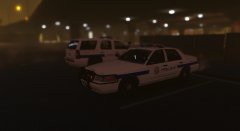
From the album: W.I.P
hendersonpolice -
-
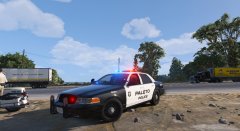 The radar does not go on the driver side
 -
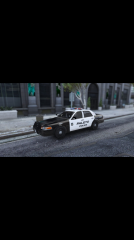 Yeah sorry about that lol
 -
From the album: W.I.P
All lightingon this vehicle works -
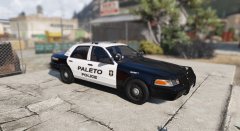
From the album: W.I.P
All vehicles are a current W.I.P -
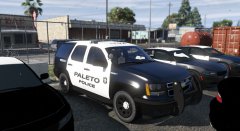
From the album: W.I.P
All vehicles are a current W.I.P -
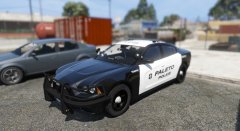
From the album: W.I.P
All vehicles are a current W.I.P -
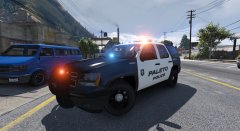
From the album: W.I.P
-
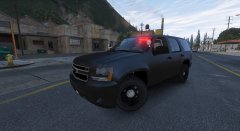
From the album: W.I.P
This vehicle is a current W.I.P -
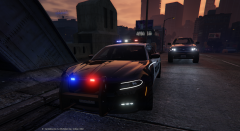 The spotlight is to high
 -
From the album: W.I.P
This vehicle is a current W.I.P -
-
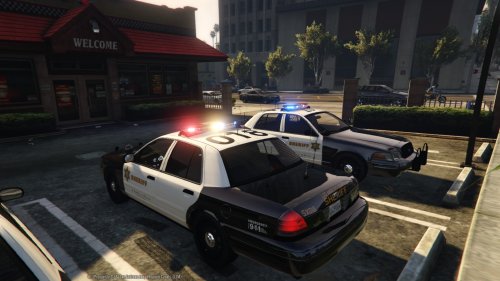 LASD has a variety of different rambars Also the mounts for the lightbar need to be white
- 110 comments
- 13 reviews
-
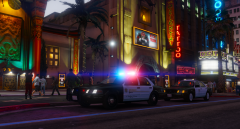 what enb are you using?
 -
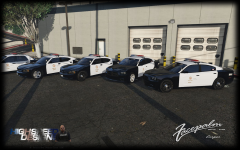 the lightbar is KevinDvs converted to V by carper
 -
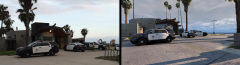 I was just gonna do that lol
 -
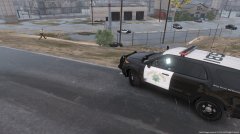 this vehicle is in early early beta currently. Most bugs with the base model have been fixed by myself
 -
-
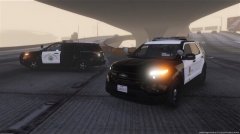 Both models are created by me
 -
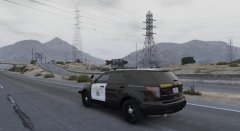 yes it is
 -
-
-
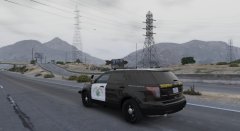
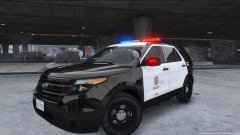 I have an argent for the explorer it's just messing up the mirror lighting and stuff. I have since stopped work for now on the LAPD explorer and I am now almost done with a SAHP explorer. Screenshots of it will be posted later today
 -
That's a really ignorant comment. My vehicle is more accurate when it comes to being like a LAPD Ford Explorer. The base model is Desmonds98