I am a crafty detective, I drive around in an old Peugout 403 car, its a nice vehicle, you take care of the car it takes care of you! Same with my jacket, there is still plenty of wear and this fella! And of course there is my beloved "Dog", dull name I know, but I just couldn't think of anything else that would fit in y'know? Anyway, thank you all for coming to my profile! And for those of you on the Police 10-13 forums, yes I am the same Columbo from the forums on police 10-13. (I like to roleplay, so when you see me around the forums posting, or making topics, I am usually in Columbo character. Unless its a serious post) Thank you all!
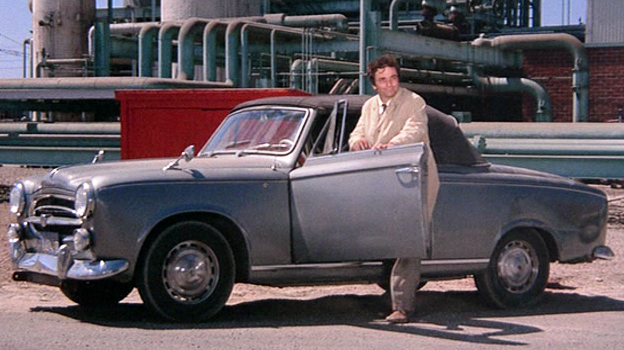 My ol' banger 403, I would love to see someone mod this into LSPDFR!
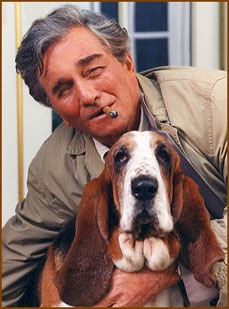 My good ol pooch, "dog" a helpful hand, when I sometimes need a bit of company on a homicide investigation.. ;)



