Skip to content
View in the app

A better way to browse. Learn more.

LCPDFR.com

A full-screen app on your home screen with push notifications, badges and more.

To install this app on iOS and iPadOS
  1. Tap the Share icon in Safari
  2. Scroll the menu and tap Add to Home Screen.
  3. Tap Add in the top-right corner.
To install this app on Android
  1. Tap the 3-dot menu (⋮) in the top-right corner of the browser.
  2. Tap Add to Home screen or Install app.
  3. Confirm by tapping Install.

JimMystik

Members
  • Joined

  • Last visited

About Me


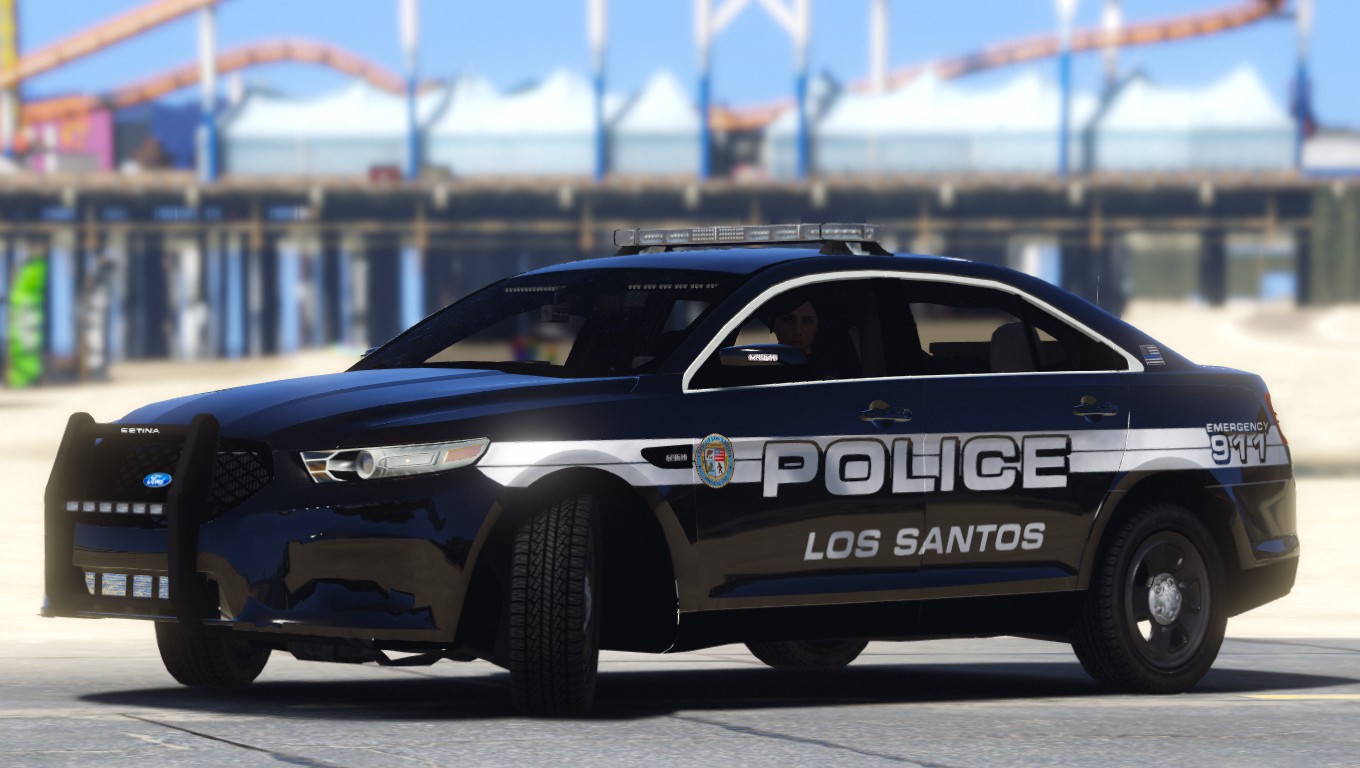
PGTA5235680441.jpg

PGTA5918649080.jpg

PGTA51031281638.jpg

PGTA51089436418.jpg

PGTA51584638859.jpg

PGTA51887660818.jpg

PGTA51919854286.jpg

PGTA5792354411.jpg

PGTA52108392742.jpg

PGTA51329245570.jpg

PGTA52070506996.jpg

Account

Navigation

Search

Search

Configure browser push notifications

Chrome (Android)
  1. Tap the lock icon next to the address bar.
  2. Tap Permissions → Notifications.
  3. Adjust your preference.
Chrome (Desktop)
  1. Click the padlock icon in the address bar.
  2. Select Site settings.
  3. Find Notifications and adjust your preference.