



chetmanly
Members
-
Joined
-
Last visited
Everything posted by chetmanly
-
 man that looks sweet as. i have been looking on the Zmodeler sites trying to figure that stuff out so i can start trying to make some cars and stuff, not enough Australian stuff yet, waiting for a vf commodore. i enjoy making skins and stuff more than playing the actual game haha
 -
cheers mate, the struggle was real, first time really using photoshop. you would of thought i would of got it right with the amount of times they have pulled me over haha. ill work on it a bit more :-)
-
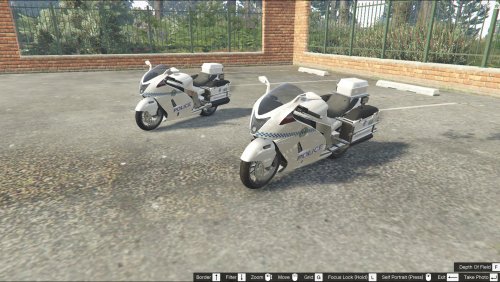 South australian hakuchou-police-motorcycle skin hey guys just a skin i created for the police motorcycle to use this skin you will have to download hakuchou-police-motorcycle-model By nicks0112 from the link below http://www.lcpdfr.com/files/file/10104-hakuchou-police-motorcycle-model/ use your OpenIV and go to the following >Update >dlcpacks >patchday1gn >dlc.rpf >x64 >levels >gta5 >vehicles.rpf replace the bike_sign_1 and bike_sign_2 with the two pics provided Enjoy Chetmanly187
 -
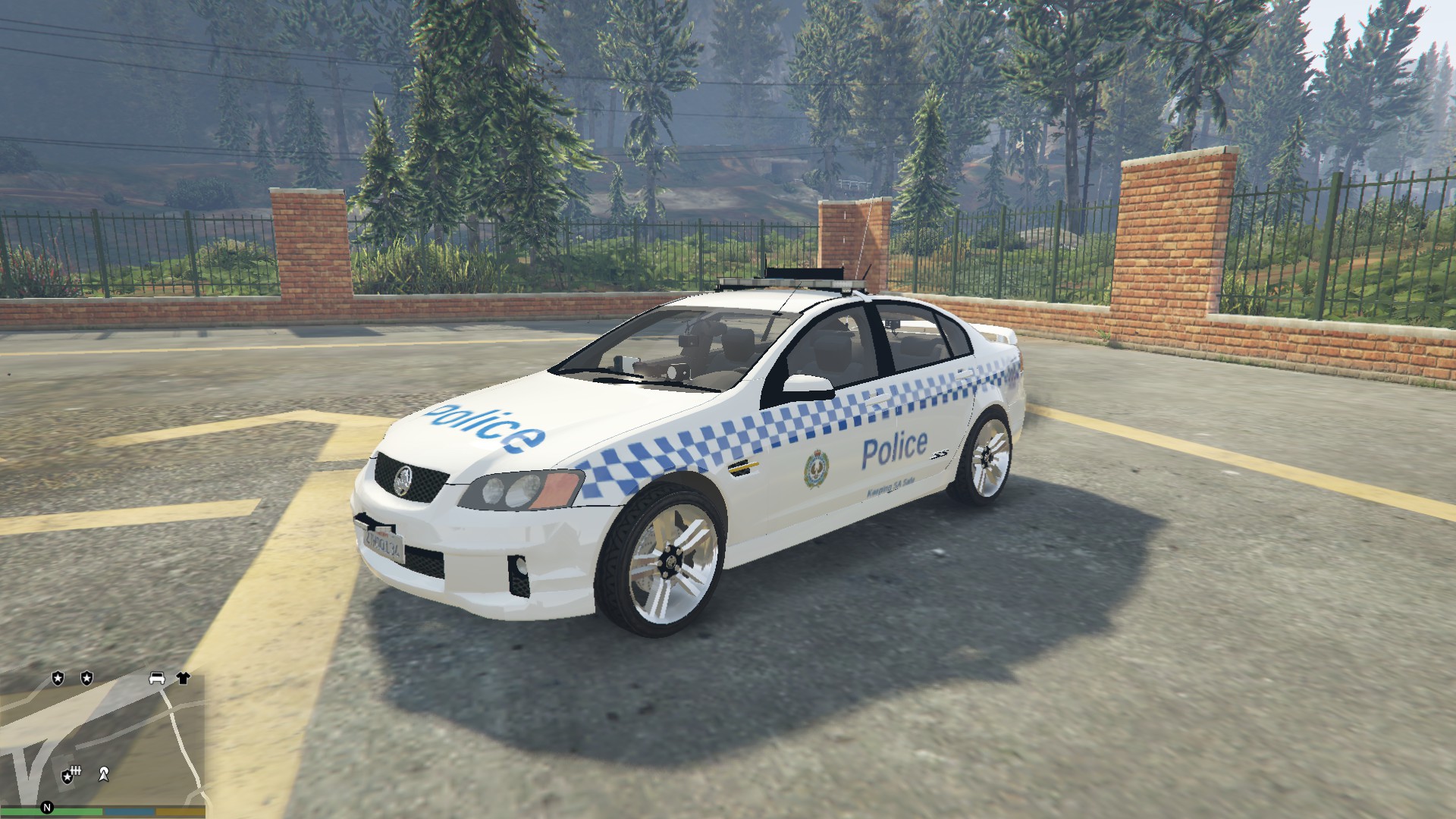
This skin is for : Victoria Police Marked VE SS 1.0 [NON-ELS] 1.0.0 By Macgregor !!!please install this mod if you havnt allready before using this skin!!! >>>>www.lcpdfr.com/files/file/9950-victoria-police-marked-ve-ss-10-non-els/<<<<< open the .ytd file and replace the ss_sign_1 . ss_sign_2 . ss_sign_3 . ss_sign_4 with the one provided (ss_sign_1) ChetManly187
-
.thumb.png.f2cf22c7113a99a590d937c0ab1ac6dd.png) any chance of making some aussie skins to replace the police cars great work keep it up
any chance of making some aussie skins to replace the police cars great work keep it up- 45 comments
- 5 reviews
-


.thumb.png.f2cf22c7113a99a590d937c0ab1ac6dd.png)