
DeputyDisc
Members
-
Joined
-
Last visited
Everything posted by DeputyDisc
-
-
-
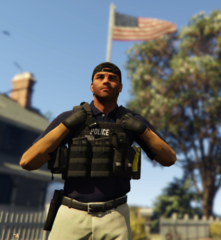 Yeah it's the hiking scenario animation in simple trainer, don't know the string name unfortunately 🙂
 -
-
-
-
-
-
-
-
-
-
-
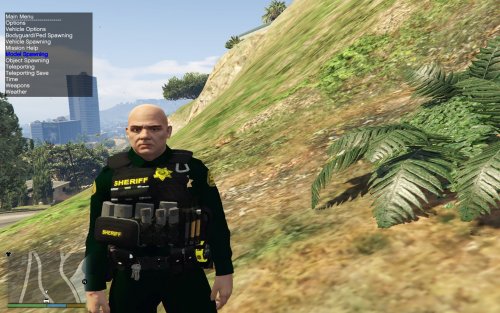 The .ytd (The actual texture file) is 29 mb which is too big, which means you'll have to extract photos and minimize them and put them back in to get below 16 mb
- 43 comments
- 5 reviews
-
-

-

- 2
-
-
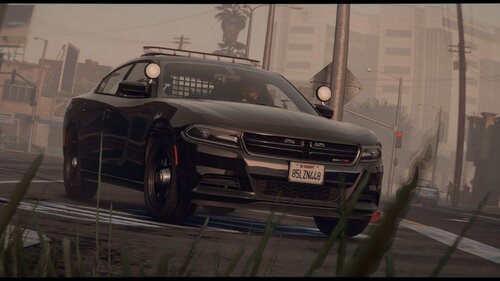 Absolutely love this vehicle, however the rear windows lights are too small in my opinion and dont really match up to the bigger lightbar and grill lights, but thats just my opinion🙂
- 3 comments
- 3 reviews
-
Yeah it worked out. Don't really know the connection that made my solution work but it did... Disabling my firewall didn't work so i simply downloaded Avast and created an exception for the GTA map within the program, and worked like a charm 😉
-
Doesn't work. Does the same exact thing, goes down in the corner and disappears and makes the game just crash
-
So my normal GTA a game works fine with all the mods and plugins that don't require RPH so that's not an issue, however when i click the Ragepluginhook program, it launches and validates everything, then as soon as the actual GTA V starts up, the Ragepluginhook logo shows '' Enjoy '' and places itself in the left corner of the screen but immediately disappears and so does the GTA program (Everything shuts down) and i get nothing more than the social club window stating '' Grand Theft Auto V exited unexpectedly please retry bla bla bla safemode or whatever '' Any ideas what can be causing the game to shut down when launching with RPH but not when playing the game normally without RPH?