
adam enforcers
-
Joined
-
Last visited
Everything posted by adam enforcers
-
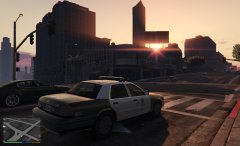
From the album: Adam's lspdfr stuff
-
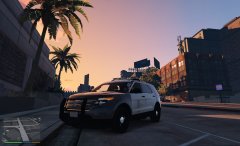
From the album: Adam's lspdfr stuff
-
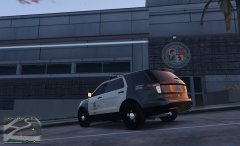
From the album: Adam's lspdfr stuff
-
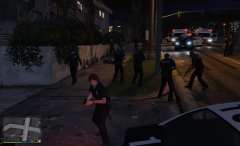
From the album: Adam's lspdfr stuff
Trouble in davis -
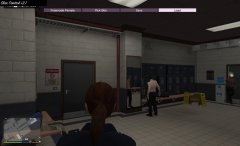
From the album: Adam's lspdfr stuff
Smoking:/ -
 very good ride! however my only disdane for it is that the arjent needs to have better lighting and the car needs a computer! but overall great work!:D
- 563 comments
- 116 reviews
-
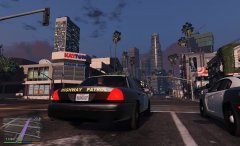
From the album: Adam's lspdfr stuff
-
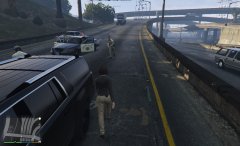
From the album: Adam's lspdfr stuff
-
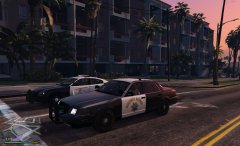
From the album: Adam's lspdfr stuff
-
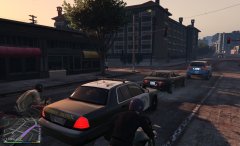
From the album: Adam's lspdfr stuff
-
-
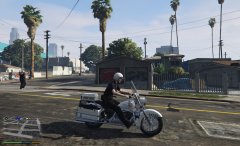
From the album: Adam's lspdfr stuff
-
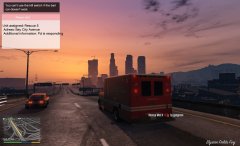
From the album: Adam's lspdfr stuff
Into the sunset!:D -
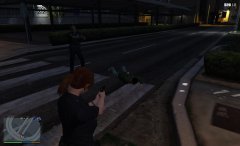
From the album: Adam's lspdfr stuff
Crazy taxi all over again -
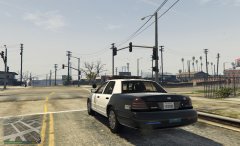
From the album: Adam's lspdfr stuff
You get used to the rail road noise!:D -
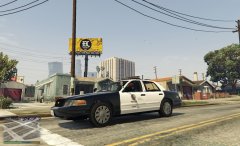
From the album: Adam's lspdfr stuff
You cant run me out of this hood! -
From the album: Adam's lspdfr stuff
Oooo criminal! -
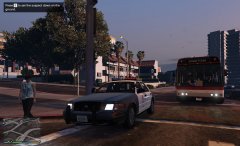
From the album: Adam's lspdfr stuff
As you can see the driver blabing on his while driving a bus ;/ -
From the album: Adam's lspdfr stuff
Friday night patrol ;) -
From the album: Adam's lspdfr stuff
-
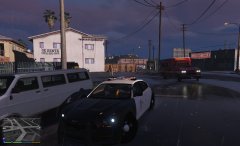
From the album: Adam's lspdfr stuff
Working in the rain!:D -
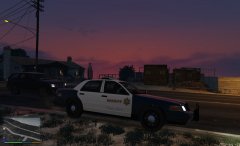
From the album: Adam's lspdfr stuff
-
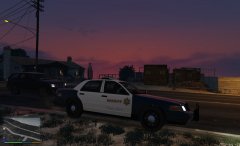
From the album: Adam's lspdfr stuff
-
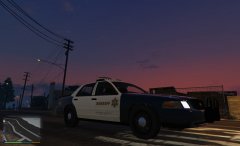
From the album: Adam's lspdfr stuff
-
i have a question. im trying to add this vehicle to vehicles meta as fireute what do i do?:) i put the lines required in but rage plugin hook says the game crashed because of a spawing of vehicles issue. how do i properly add the lines to vehicles meta?:)