


KevTheMedic
Members
-
Joined
-
Last visited
Everything posted by KevTheMedic
-
 Beware! Bricked my LSPDFR install. Crashed upon loading LSPDFR, uninstalled files as detailed in the description. Still cant load into the game anymore, even though I installed it in the mods folder. No clue what this breaks in the game, shame its not properly documented what it changes and forces me to reinstall LSPDFR....
- 86 comments
- 17 reviews
-
Its so shaky because you probably activated that YouTube stabilization feature.
-
-
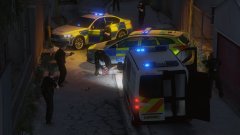
From the album: DevilDogGunny's Journey
-
-
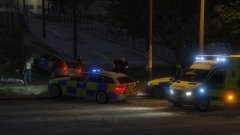
From the album: DevilDogGunny's Journey
-
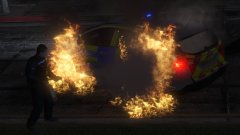
From the album: DevilDogGunny's Journey
-
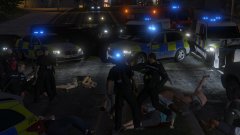
From the album: DevilDogGunny's Journey
-
-
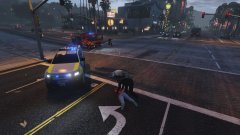
From the album: DevilDogGunny's Journey
-
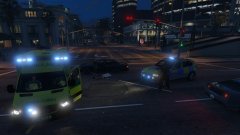
From the album: DevilDogGunny's Journey
-
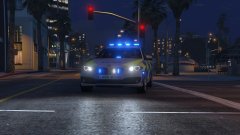
From the album: DevilDogGunny's Journey
-
Hey guys, accidentally forgot to backup the ped files...for a video I need the original uniform though now (GTAV LSPD). Could maybe someone help me out and upload either the 4 original "s_m_y_cop_01" files or just the whole "componentpeds_s_m_y.rpf"? Cant find it anywhere online and dont want to restore the whole game (bc of all the other mods) Would really appreciate that :).
-
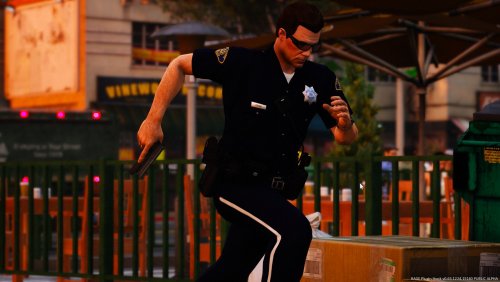 Hey guys, accidentally forgot to backup the ped files...for a video I need the original uniform though now (GTAV LSPD). Could maybe someone help me out and upload either the 4 original "s_m_y_cop_01" files or just the whole "componentpeds_s_m_y.rpf"? Cant find it anywhere online and dont want to restore the whole game (bc of all the other mods) Would really appreciate that :).
- 35 comments
- 4 reviews
-
-
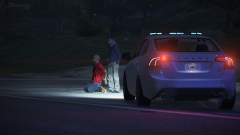 Los Santos Special Crime Prevention and Response Unit with a Volvo S60
© DevilDogGunny




