rmiers
Members
-
Joined
-
Last visited
Files posted by rmiers
-
This is my first player/ped upload. I know the collar brass/pins and strip on the pants are not 100% correct. Putting the Lieutenant brass and up on the shoulder in my opinion didn't look good on here. Also, on the left collar, is typically the troop in which they are assigned. With only a limited number of slots, this is how I deemed it needed to be. I've messed around with making skins for a little while now and decided to release this, because I have release and updated a vehicle texture file. I don't care if you change or edit them, but if you do release your edited or changed version, please give proper credit for the base version you used.
- 559 Downloads
- 1 Comments
Submitted -
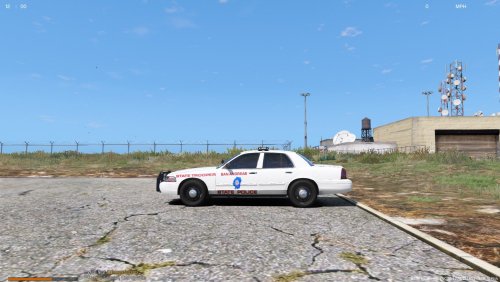
This is my first upload of any kind. I've messed around with making skins for a little while now and decided to release this. I don't care if you change or edit them, but if you do release your edited or changed version, please give proper credit for the base version you used.
- 144 Downloads
- 5 Comments
Updated