awmperry
Members
-
Joined
-
Last visited
Everything posted by awmperry
-
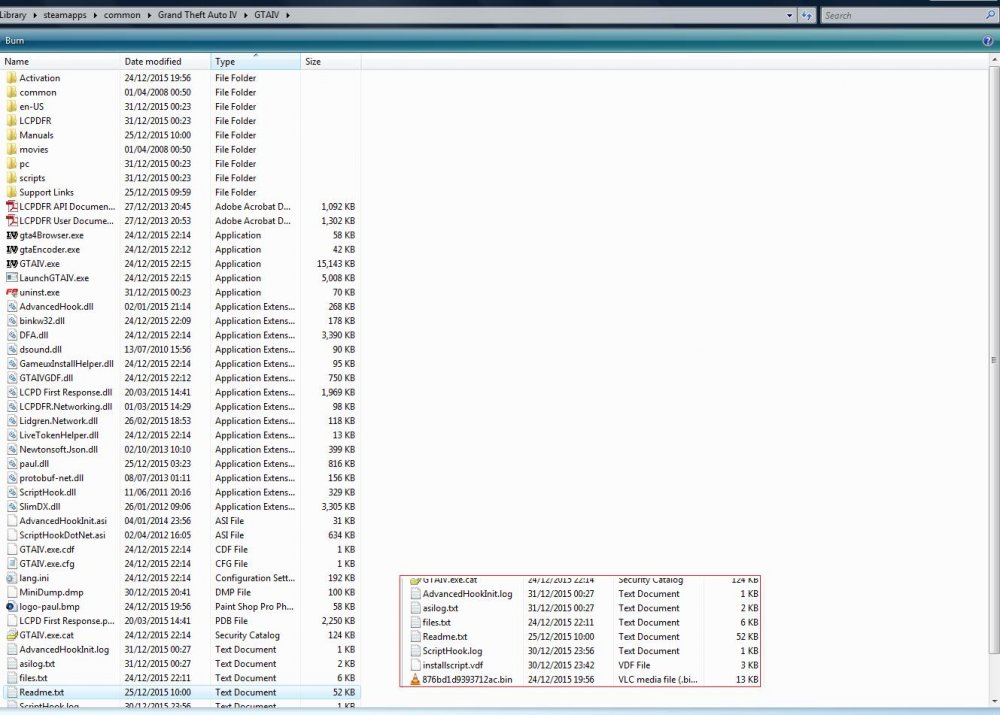
==== DESCRIPTION ==== I recently installed GTAIV (runs fine), LCPDFR and a few police skins. It ran as it should, but LCPDFR never deigned to activate; presumably it just never hooked, but along with that also didn't stop the game. So I went back to a clean install and started over, taking care to get everything in the right order. As soon as I ran GTA, I'd get to the Social Club login screen, click Play and the loader would crash and Windows presented a DEP notification. Back again, clean install, and installed just LCPDFR. Without it, GTA runs fine; with it, DEP prevents GTA from starting. I've tried all the usual advice, deactivating DEP for LaunchGTAIV.exe and whatnot. I can't exclude GTAIV.exe; Windows tells me it needs DEP active to run. Any idea what could be the problem and how to fix it? I saw some talk of updated hooks, but that was five years ago... ==== LCPDFR VERSION ==== Latest release (1.1, no ad installer) ==== GTA VERSION ==== Up to date Steam version ==== WINDOWS VERSION ==== Vista Ultimate SP2 ==== OTHER MODS ==== None ==== LOGS ==== --- asilog.txt --- // -- GTA IV ASI LOADER LOG -- // //-- (C) Alexander Blade 2008 -- // C:\Windows\system32\dsound.dll is loaded, address 0x73600000 Hooking dsound proc named "DirectSoundCreate" "DirectSoundCreate" hooked, address 0x73617A61 Hooking dsound proc named "DirectSoundEnumerateA" "DirectSoundEnumerateA" hooked, address 0x73628A34 Hooking dsound proc named "DirectSoundEnumerateW" "DirectSoundEnumerateW" hooked, address 0x73628A51 Hooking dsound proc named "DllCanUnloadNow" "DllCanUnloadNow" hooked, address 0x7362C6D3 Hooking dsound proc named "DllGetClassObject" "DllGetClassObject" hooked, address 0x736186D4 Hooking dsound proc named "DirectSoundCaptureCreate" "DirectSoundCaptureCreate" hooked, address 0x73628364 Hooking dsound proc named "DirectSoundCaptureEnumerateA" "DirectSoundCaptureEnumerateA" hooked, address 0x73628A6E Hooking dsound proc named "DirectSoundCaptureEnumerateW" "DirectSoundCaptureEnumerateW" hooked, address 0x73628A8B Hooking dsound proc named "GetDeviceID" "GetDeviceID" hooked, address 0x73628200 Hooking dsound proc named "DirectSoundFullDuplexCreate" "DirectSoundFullDuplexCreate" hooked, address 0x736284CC Hooking dsound proc named "DirectSoundCreate8" "DirectSoundCreate8" hooked, address 0x73606D48 Hooking dsound proc named "DirectSoundCaptureCreate8" "DirectSoundCaptureCreate8" hooked, address 0x73628412 Loading ASI D:\Games\SteamLibrary\steamapps\common\Grand Theft Auto IV\GTAIV\AdvancedHookInit.asi ASI loaded : D:\Games\SteamLibrary\steamapps\common\Grand Theft Auto IV\GTAIV\AdvancedHookInit.asi, Address 0x00000000 Loading ASI D:\Games\SteamLibrary\steamapps\common\Grand Theft Auto IV\GTAIV\ScriptHookDotNet.asi ASI loaded : D:\Games\SteamLibrary\steamapps\common\Grand Theft Auto IV\GTAIV\ScriptHookDotNet.asi, Address 0x6EE20000 --- AdvancedHookInit.log --- Log started on: 0:27:9 12-31-2015 ------------------------ [INFO - 0:27:9] Gameversion - 1.0.7.0 [INFO - 0:27:9] AdvancedHookInit 0.3 (C) 2013 LMS - Initialized [INFO - 0:27:9] Attaching hooks... [INFO - 0:27:9] CPools::InstallHooks: Hooking CPool__Initialize [INFO - 0:27:9] CPools::InstallHooks: Hooking CPedFactory [INFO - 0:27:9] Data unprotected [INFO - 0:27:9] Game patched [INFO - 0:27:9] Xlive protections disabled [INFO - 0:27:9] Disabling network connection check [INFO - 0:27:9] Spawning patcher thread [INFO - 0:27:9] Patching files --- Unavailable logs --- ScriptHook.log (in use by another process 10 min after closing) --- Nonexistent logs --- lcpdfr.log (GTA doesn't get far enough to start loading LCPDFR) AdvancedHook.log