


rbizzle004
Members
-
Joined
-
Last visited
Everything posted by rbizzle004
-
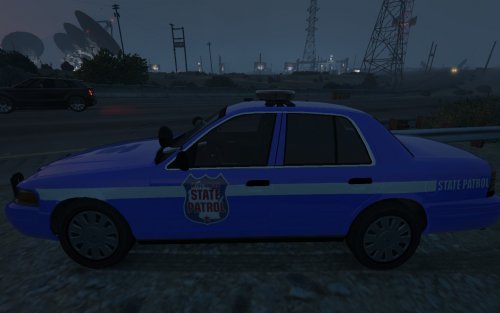 Was waiting for some WI law enforcement vehicles. Thanks. Works/looks great.
 -
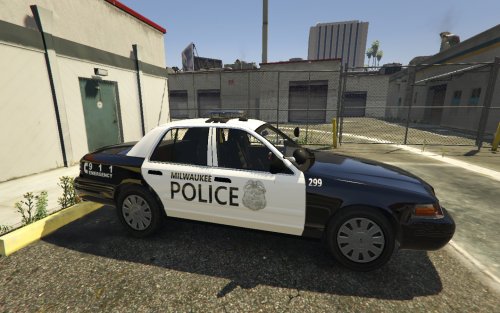 Charger skin doesn't fit correctly on 2015 Charger by KAMELKFB. Have not tried out the other textures for the VIC or Tahoe
- 8 comments
- 1 review
-
Thanks for the reply. Still wasn't working but your post got me thinking. Looked in my Vanilla Update folder and saw I had patchday8ng and some other files. When the update came out I only updated the update.rpf file. Once I added the patchday8ng and changed the textures in there everything worked. Thanks again.
-
With the latest GTA V update I lost the Glock texture mod for the pistol I had installed. I have tried replacing the files but I still get the original pistol. The tutorials I use have me drop the modded files into \update\x64\dlcpacks\patchday3ng\dlc.rpf\x64\models\cdimages\weapons.rpf. I have also seen a few that tell you to put it in patchday8ng but I do not have that folder. Any help would be appreciated. Thanks

