



ODSTGeneral
Members
-
Joined
-
Last visited
Everything posted by ODSTGeneral
-
-
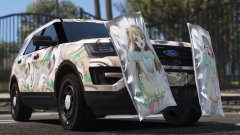 Lol I didn't even pay attention to the type of vehicle when I looked at the pictures.
 -
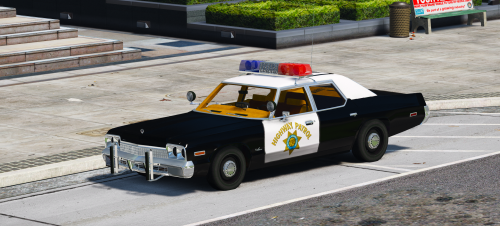 A fantastic edition to the vintage police force, wanted to do a video with this one but my GTA V kept crashing.
- 16 comments
- 4 reviews
-
 What did you change, because the file name is still incorrect and the mod still broken?
- 31 comments
- 5 reviews
-
Well I was very excited for this file, after some time of sitting on it I decided to install it. First of all the file name is incorrect, a minor annoyance but an annoyance none the less. On the other hand it breaks all melee combat and causes both the player and peds to do no damage during melee combat of any kind...
- 31 comments
- 5 reviews
-
-

- 1
-
-
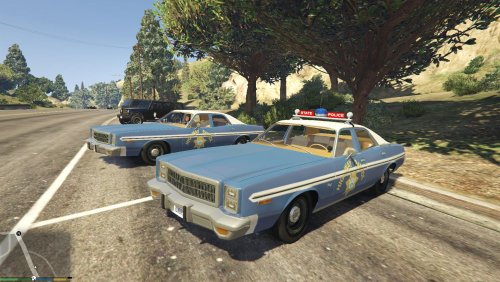 Great stuff once again Solo, my only issue is that liveries appear randomly and it may be best to release them as separate textures. But that is just my opinion not really a knock on the level of work.
- 11 comments
- 2 reviews
-
@Newfield Would you prefer he make a separate mod, one for fists and one for nightsticks? His is a direct edit of the games damage file where the other recent one is a script. Do you complain there are a million CVPIs too?
- 31 comments
- 5 reviews
-
 Still work on this John?
 -
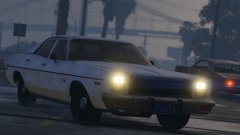 I approve Lundy!
 -
 You know I thought it would be cool to have like an L.A. mod but use units based of Emergency!, Adam 12, CHiPs, etc.
 -
As the title states I am looking for the location of the A_M_Y ped files, however I cannot find their location and was hoping someone can give me some insight as to their location. Edit: I missed that I had not copied the x64v to my mods folder.
-
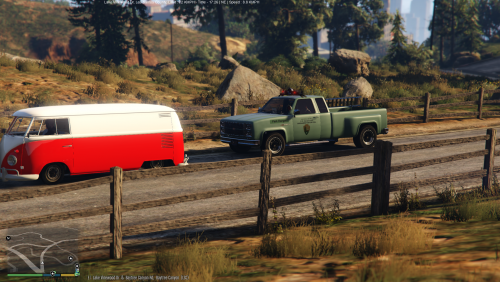 To be honest I had never considered or tested that, unfortunately my single player is not that far along on the PC version. If you are willing and able to bug test that it would be appreciated.
 -
 https://www.gta5-mods.com/vehicles/ghostbusters-ecto-1
 -
You should have moved to Wisconsin, it was a lot closer and has many trees too.
-
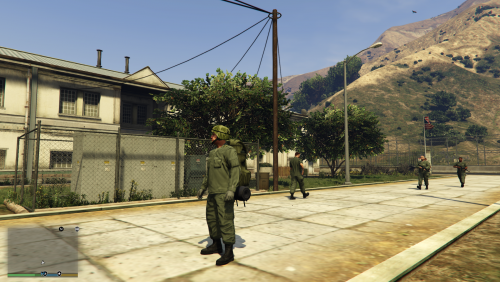 https://www.gta5-mods.com/vehicles/m103-fantazer_rnd Not one of my creations, just used the mod to set the tone.
 -
This file is my first foray into the world of ped editing, this retextures the in game military to reflect the 70's U.S. Army and Marines. This is unfinished but I wanted to put it out to help discover any bugs or textures that need to be redone.
-
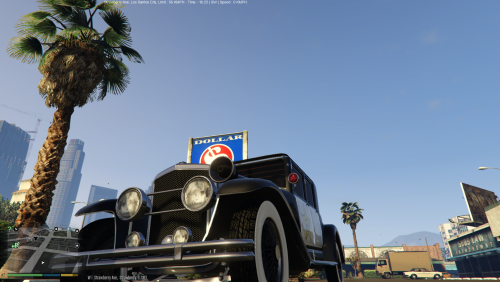 Hey my license for Zmodeler3 is currently expired, however when I do update it I do want to get that breakable glass sorted. Although I will admit I am struggling to wrap my head around it because each time I think I have it sorted it still will not work. Also when you say bubble light do you mean something like this?
- 11 comments
- 1 review
-
Did you update both ragehook plugin and scripthook to their most current and compatible versions?
-
When I attempt to spawn in the slamvan I get "Invalid model" error back. I had been working on a modification of the vehicle however the error persists after restoring it to its default. Is this due to the new lowrider variant of it and if so can I fix this?
-
 89 caprice was my first car so I love this.
 -
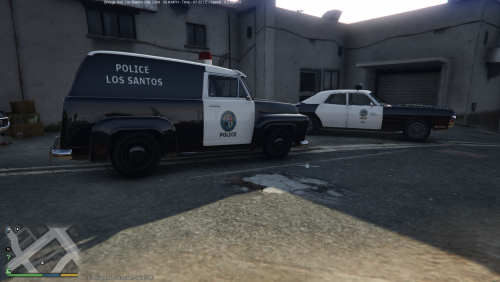 Glad we could finally get that working alright for you, was starting to get worried we couldn't fix it.
- 27 comments
- 2 reviews
-
UV mapping is used to map out where textures will go on the vehicle.
-
This is all of my code up to the police transport, you might want to avoid copying it directly as you may have different vehicles. However this should give you a much better idea how mine is set up.
- 27 comments
- 2 reviews
-
-
When you first posted I thought you had place the code at the top, I didn't realized you had at the bottom. So you can get rid of the extra variation data and place the text close to the top but after the variation data.
- 27 comments
- 2 reviews

.thumb.png.2a9b51dd0b48ed59377971b5be08d0c3.png)

