Espinosa Jonathan
Members
-
Joined
-
Last visited
Everything posted by Espinosa Jonathan
-
I have the same problem when I load it through rage without lspdfr it works. But as soon as I press F4 to load lspdfr it crashes. I only have patch 20 in my open iv . Should I have more after the casino dlc?
-
-
-
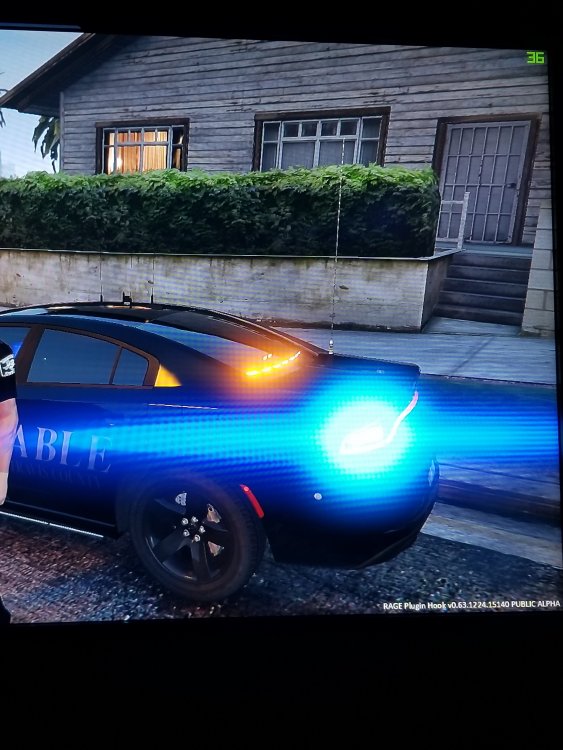
I'm going to try that and see if it works. What i'm trying to get rid of is the beam horizontal shooting out of the light
-
Does anyone know how to remove or decrease the line that shoots out of the lights ? As seen on the picture I attached. Thanks
-
 overall amazing work, i'm not a big fan of all blues so i would love to see a red and blue variant in a future release
- 253 comments
- 53 reviews
-
-