
SilentNukes
Members
-
Joined
-
Last visited
-
-
Sadly that didnt work either
-
kk ill try thanks
-
And it did same error that i have? Just tried that still not working.. thanks though
-
Tried both
-
Yeah it was working then after about 3 hours it just stopped working sadly no clue why.
-
I am launching it as administrator and its not crashing all it says is Error in script LCPDFR-loader.loader on the top left of my screen right after the save loads and it doesnt let me use lcpdfr Everything else works fine
-
Actually that was set to a different directory my I didn't notice it didn't say steam here is the new check Diagnostics_2.9.2015_7_13_48.log


-
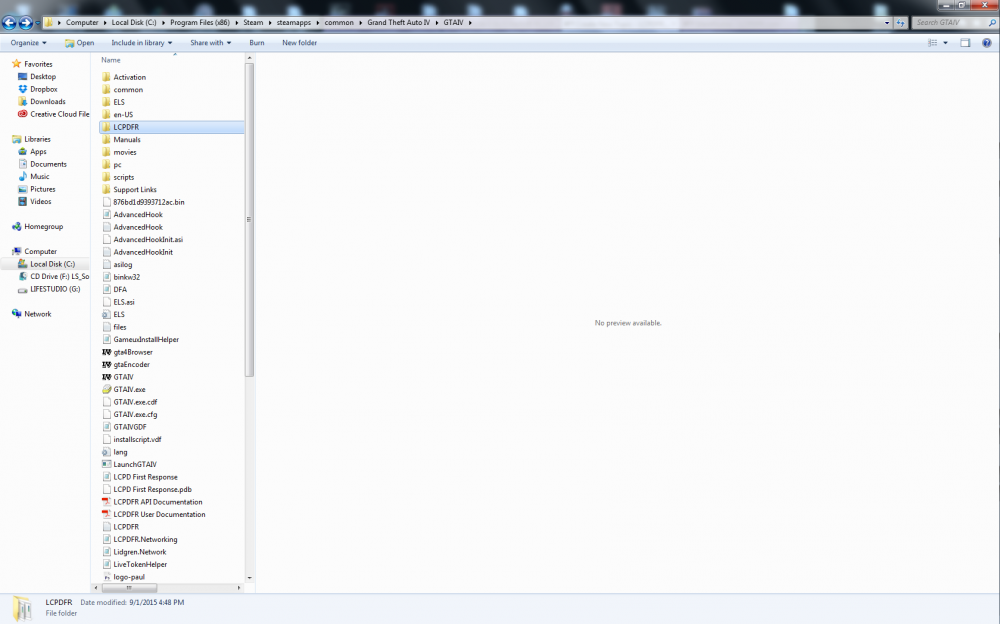
Here is the what the LCPDFR Diagnostics Tool says it all looks fine
-
Yah it still doesn't work have it set perfectly even tried the compatibility for win 7 and ran LaunchGTAIV As administrator.. Still nothing
-
Ah wish mine was like that wait where should the loader script be in scripts folder right?
-
LCPDFR.log
-
Iv been having same exact problem.
-
Every time I try starting my game it shows this on the top left corner of my screen Error in script LCPDFR-loader.loader I tried reinstalling the game also reinstalling LCPDFR. Also tried looking around for a fix on it couldn't seem to find any that could fix it. I have tried nearly everything I could to fix it I have no scripts or any sort of mods installed other than LCPDFR 1.1 It was working fine till one point when I did crash but I have reinstalled my game so I do not have the log if you can help that would be amazing, Thanks